Self-hosted & private
Self-hosted music streaming

Stop rentingyour music.

Ariami lets you stream your own music from home. Run the server on your computer, open the app on your phone, and your entire library is right there in full quality. You get to keep your collection without paying a monthly subscription for it.

Free and open source. Takes a couple of minutes to set up: just choose your music folder and you're good to go.

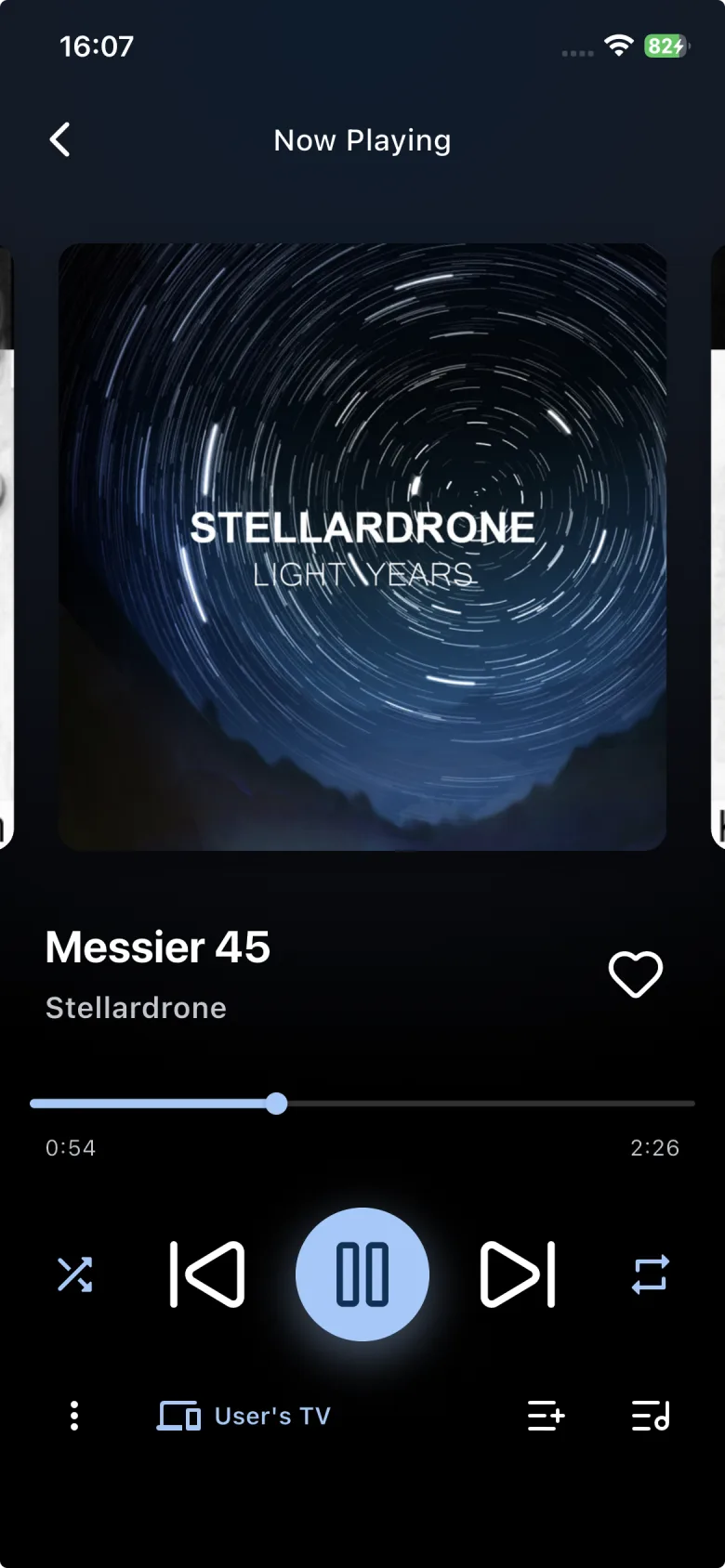
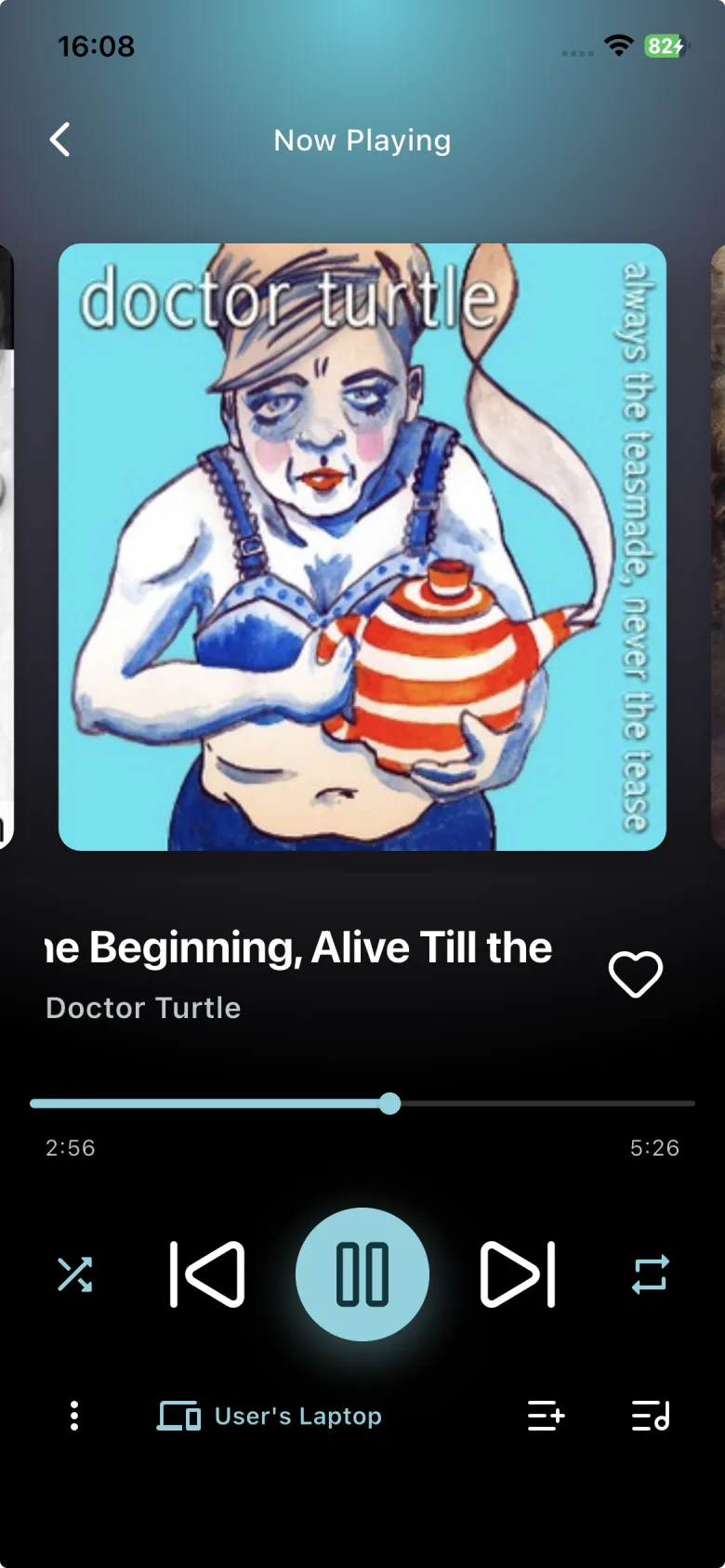
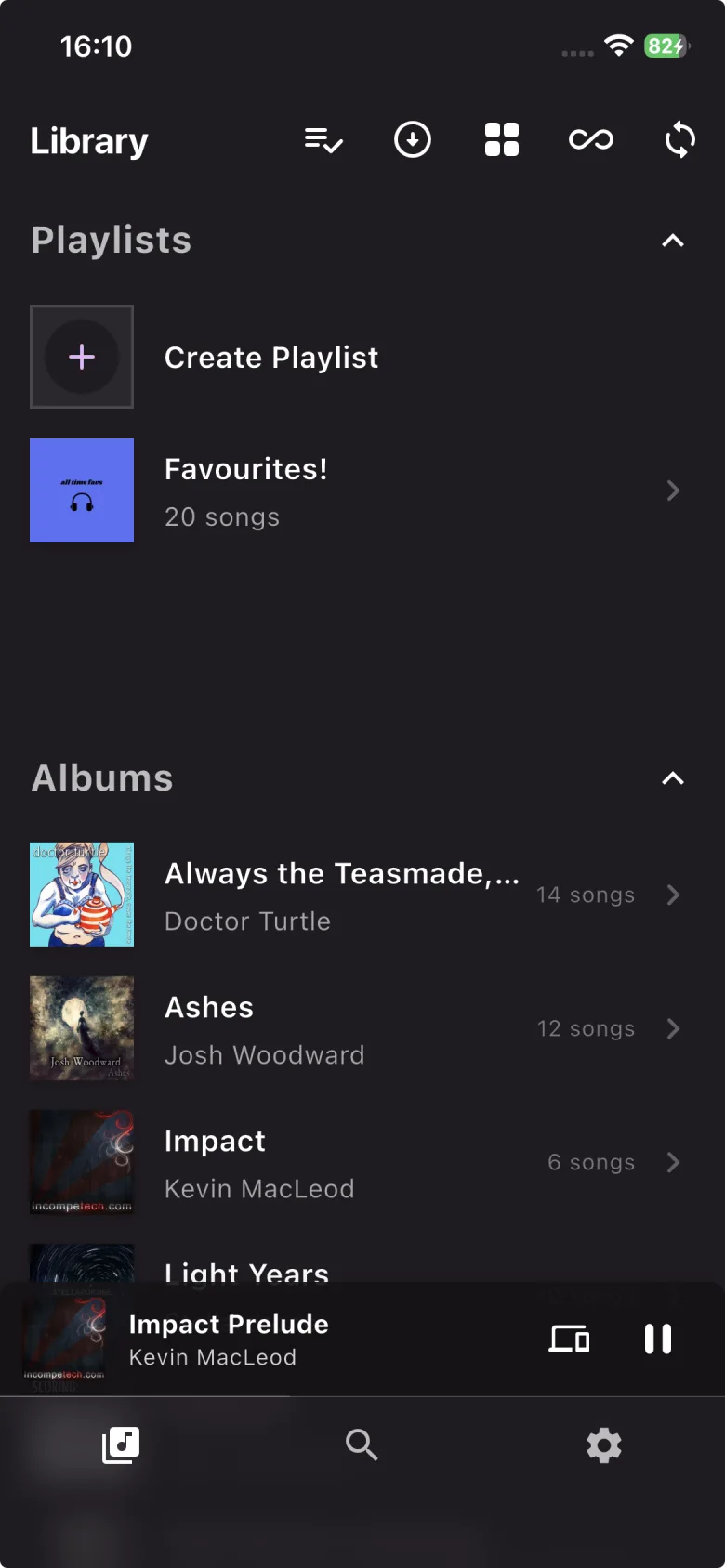
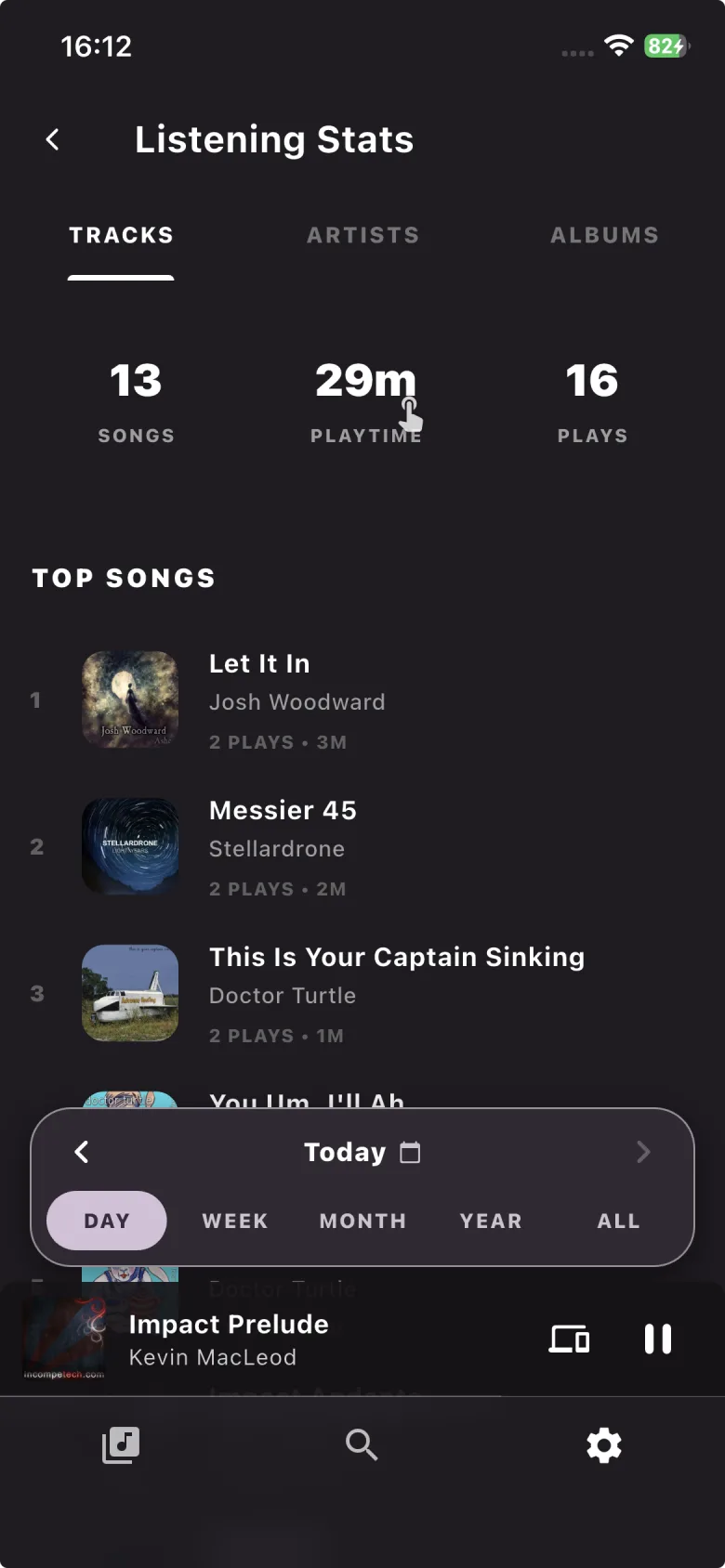
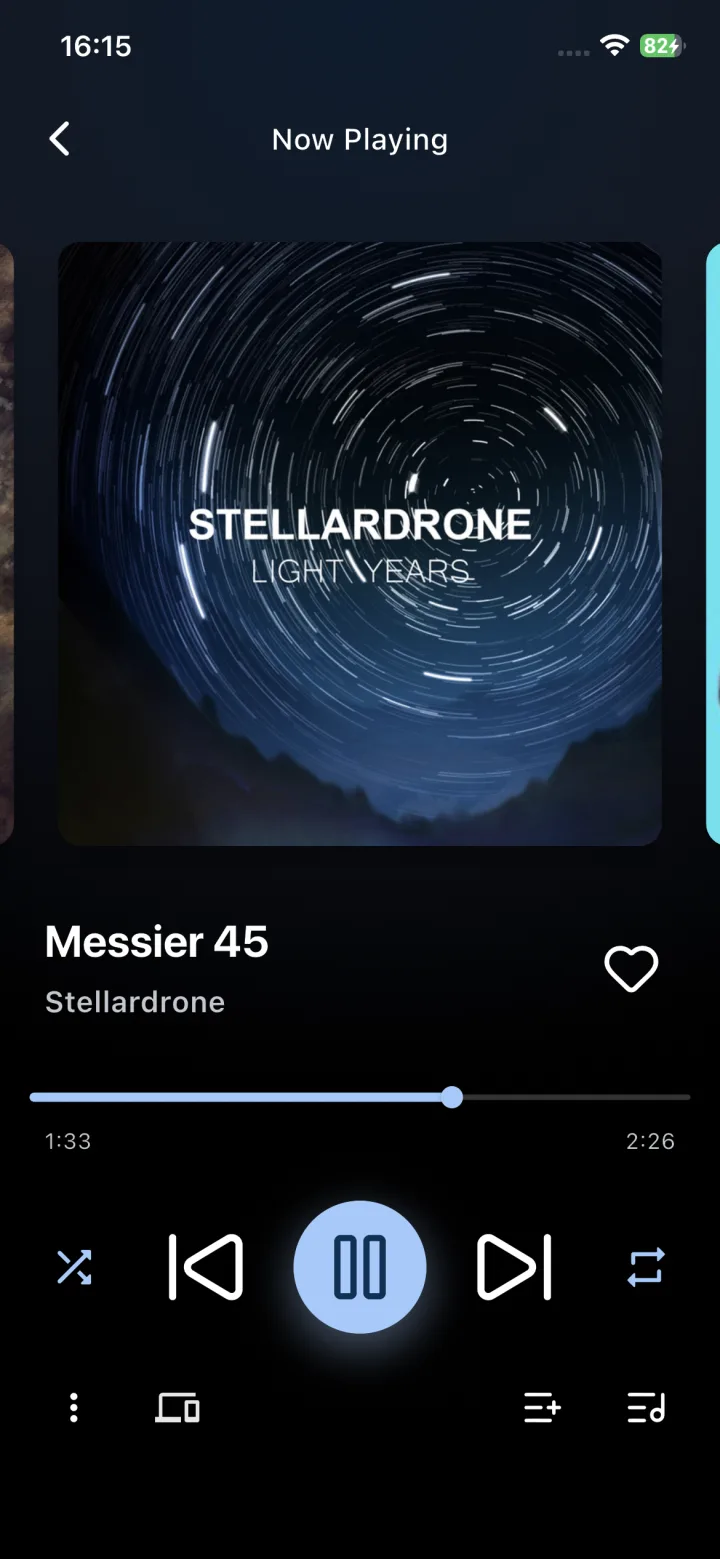
actual screenshot from my phone ↗
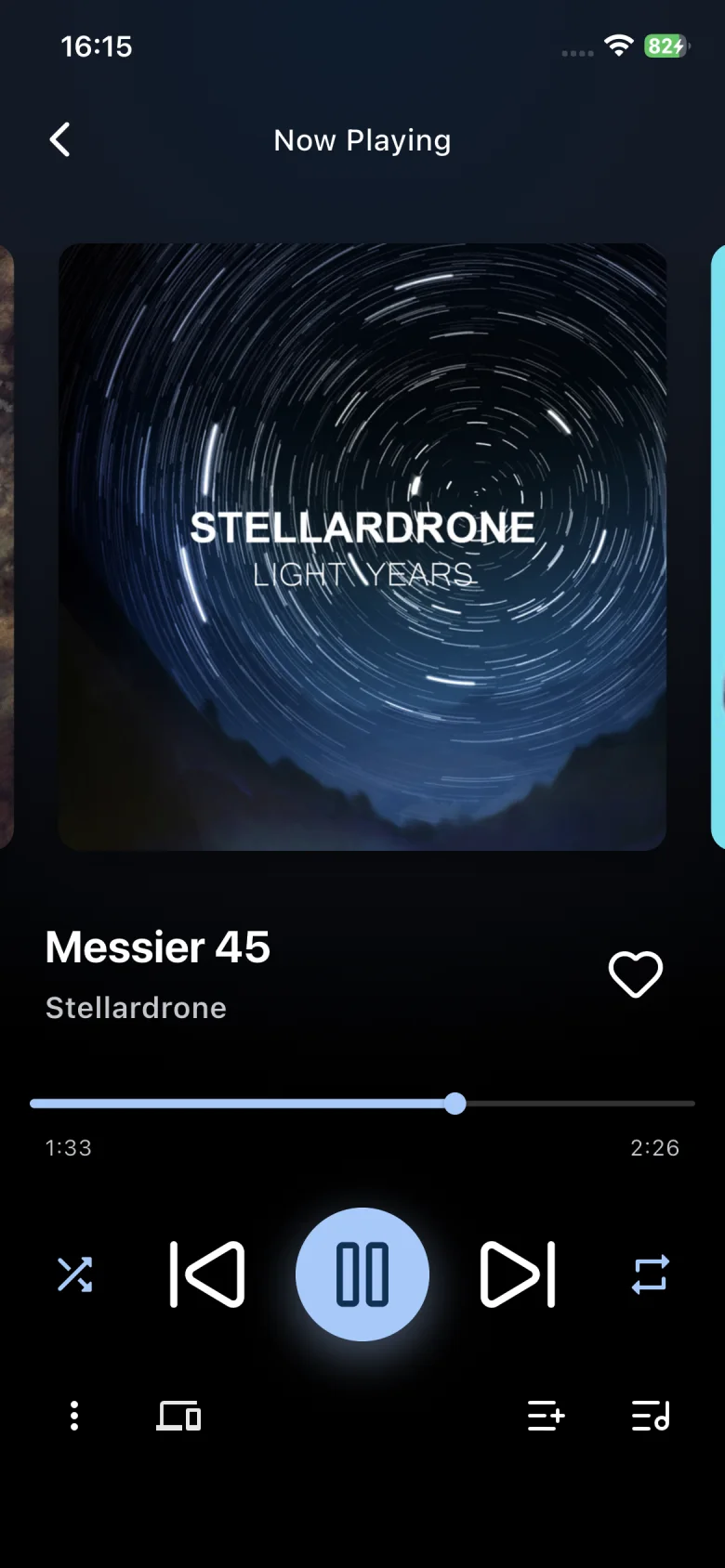
Ariami mobile app playing a song, with the whole interface tinted to match the album art
Seamless handoff
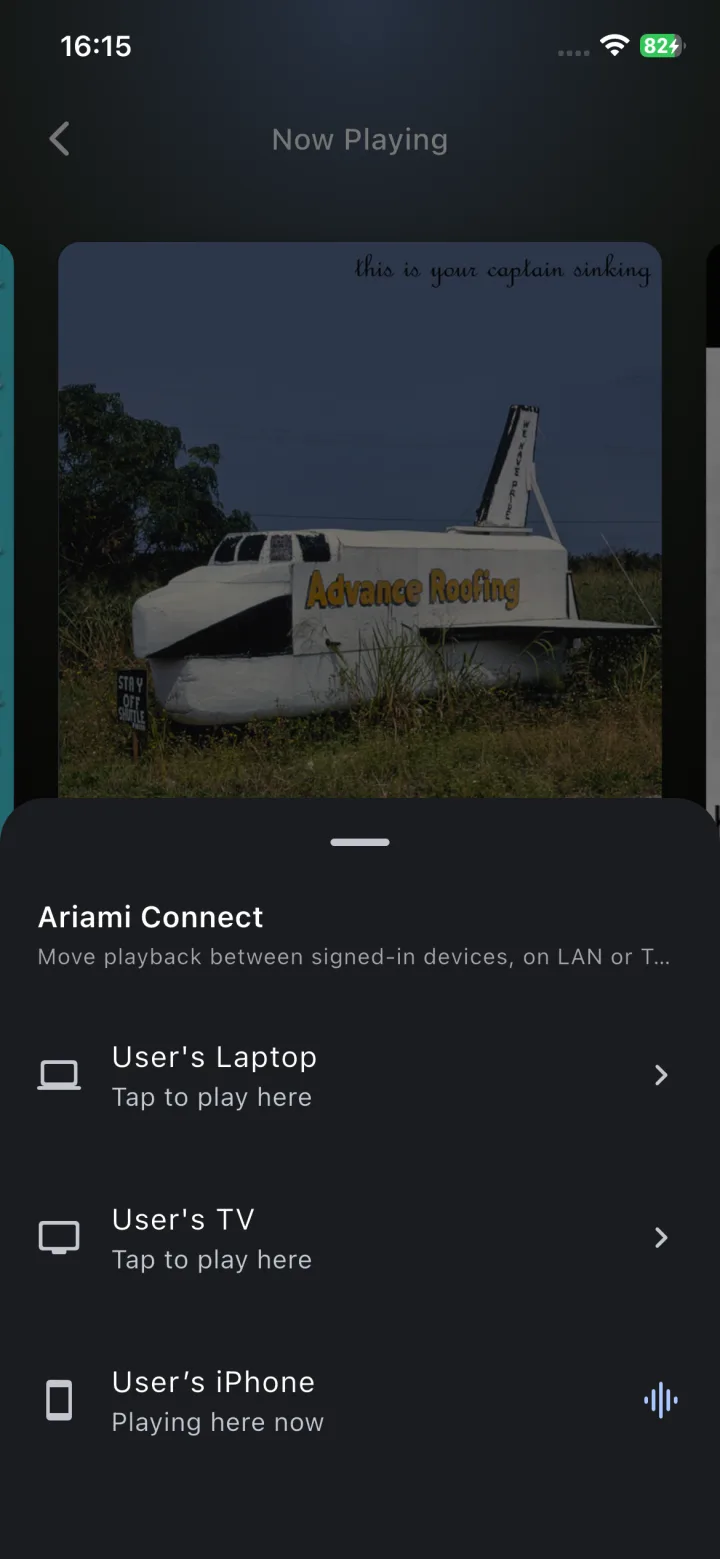
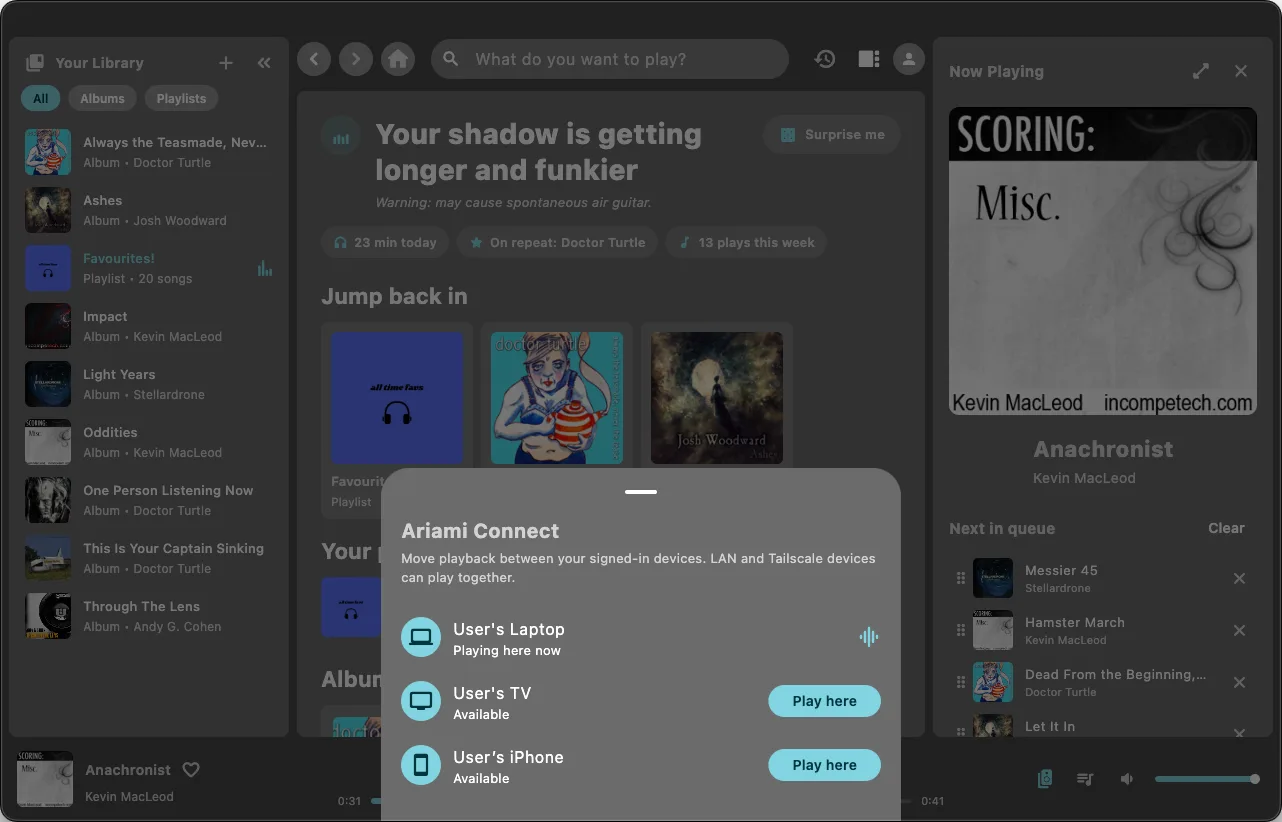
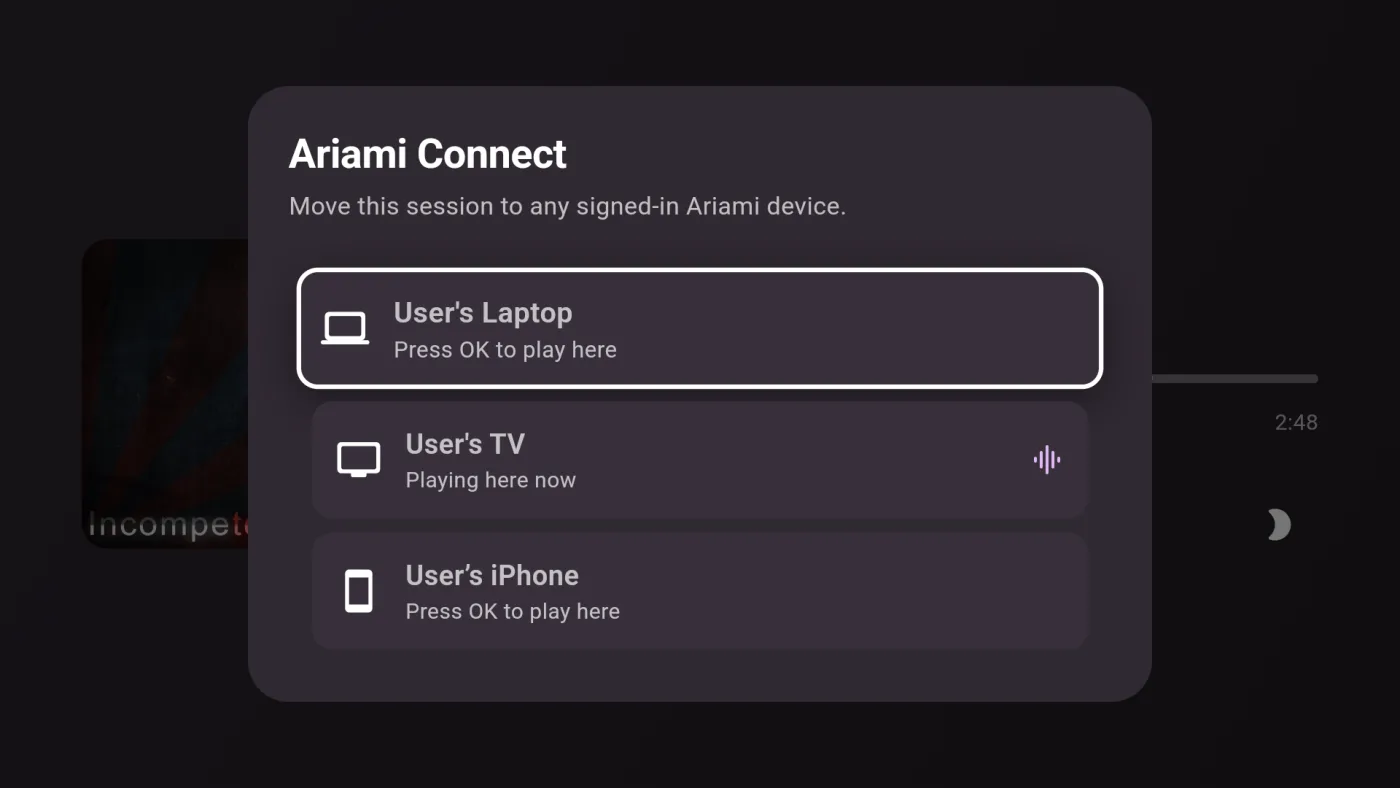
Ariami Connect

Start on the TV,
then pick up on your phone.

All your devices share the same active playback session, so you can switch screens anytime without losing your place.

Queue an album from the couch with the TV remote, and your phone updates in real time. Pause on the TV, take your headphones, and you're good to go.

  • Mid-song handoff. Walk out the door, tap your phone, and playback carries on from the exact second you left off.
  • Every screen is a remote. Control what's playing or queue the next song from whichever device is nearby.
  • Cast & handoff. Send music to your TV or Chromecast from your phone or laptop, and control it from any screen in the house.
  • Works outside the house. Connect over Tailscale or your home VPN, and your session follows you wherever you go.
  • Direct streaming. Your server coordinates playback, but audio streams directly to your devices without passing through third-party servers.
Blue (Da Ba Dee)Playing on Living Room TV
Eiffel 65 · Europop
1:243:41

Live demo: it hands off on its own, or tap a device to move playback.

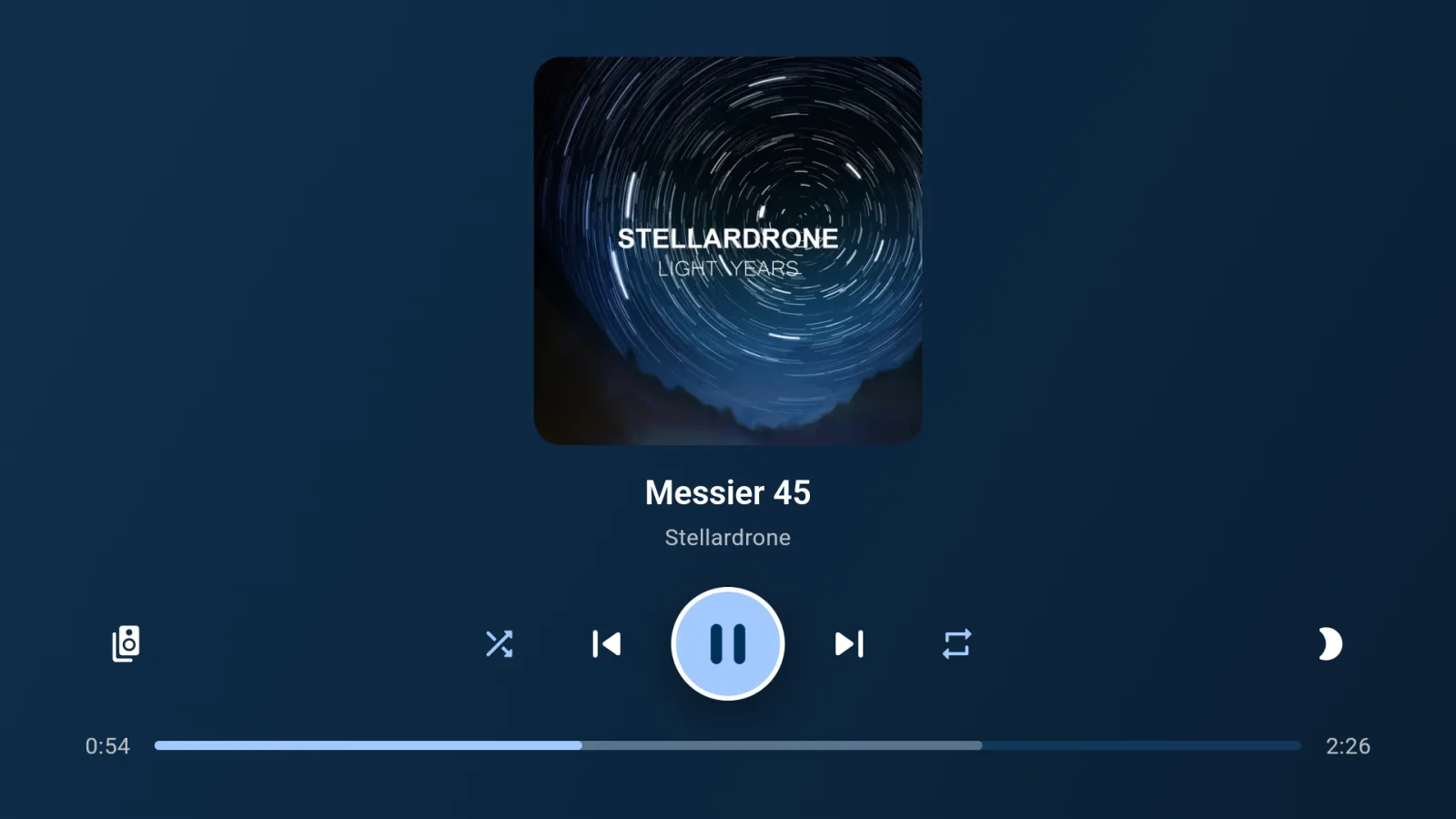
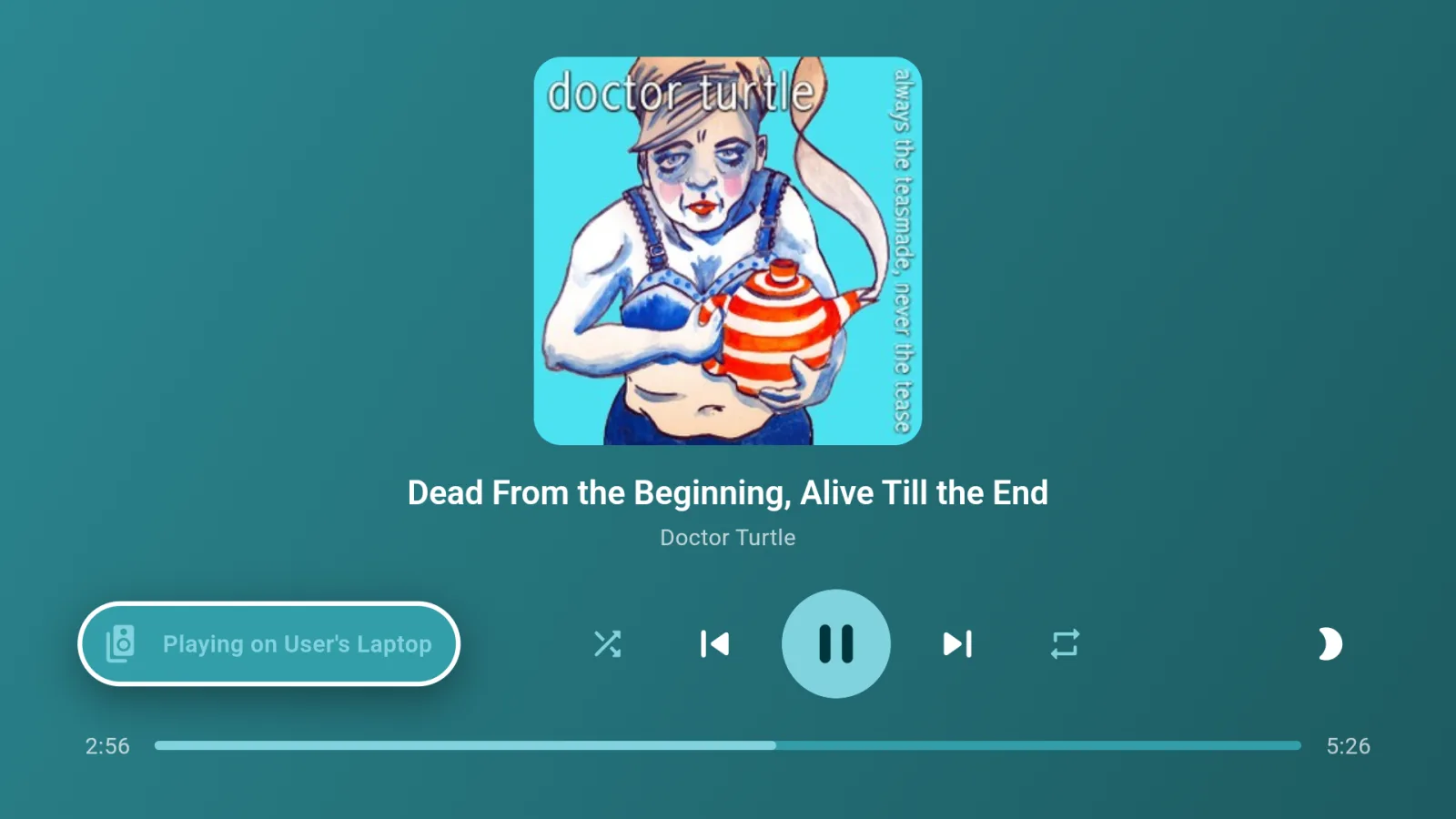
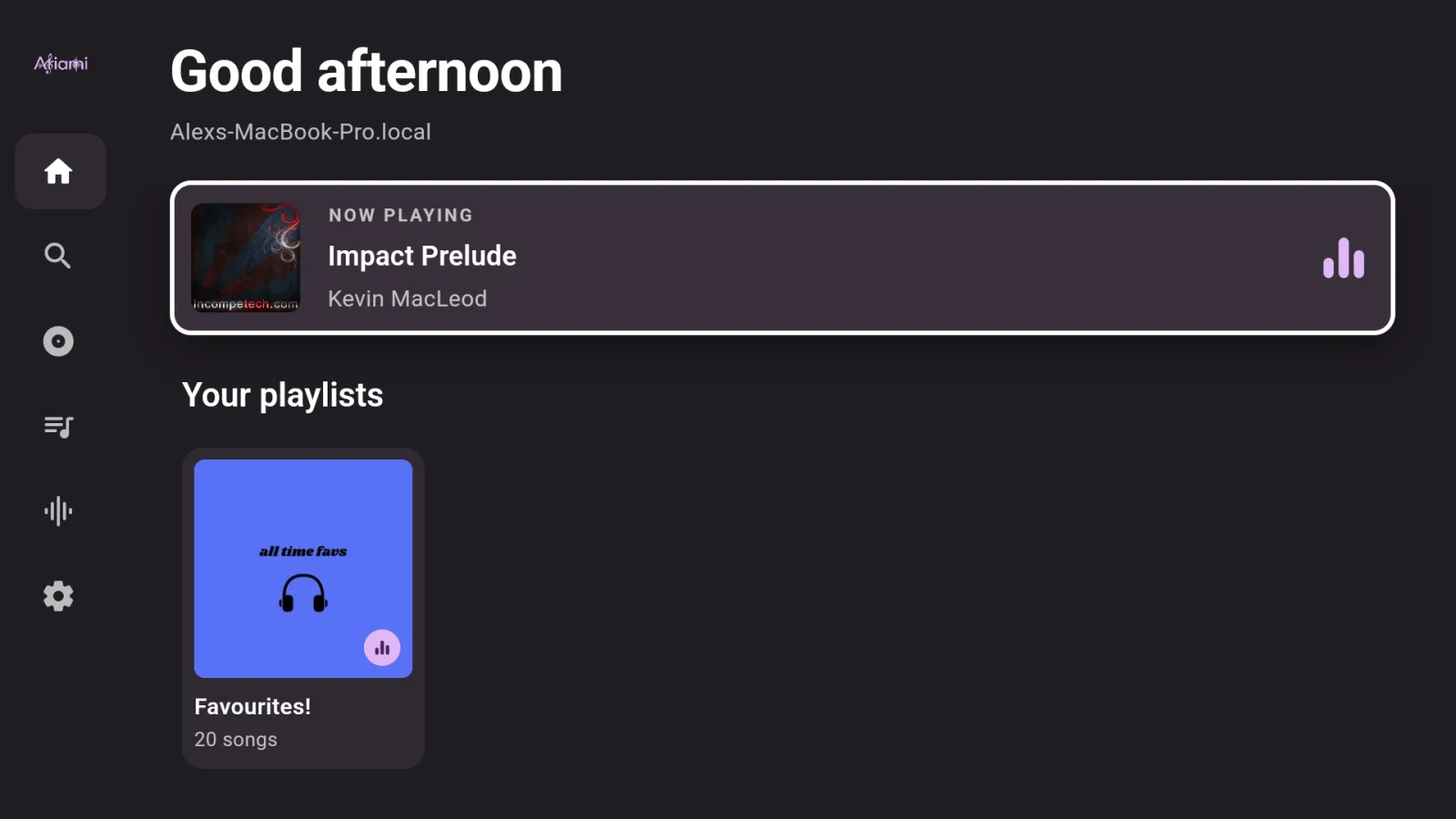
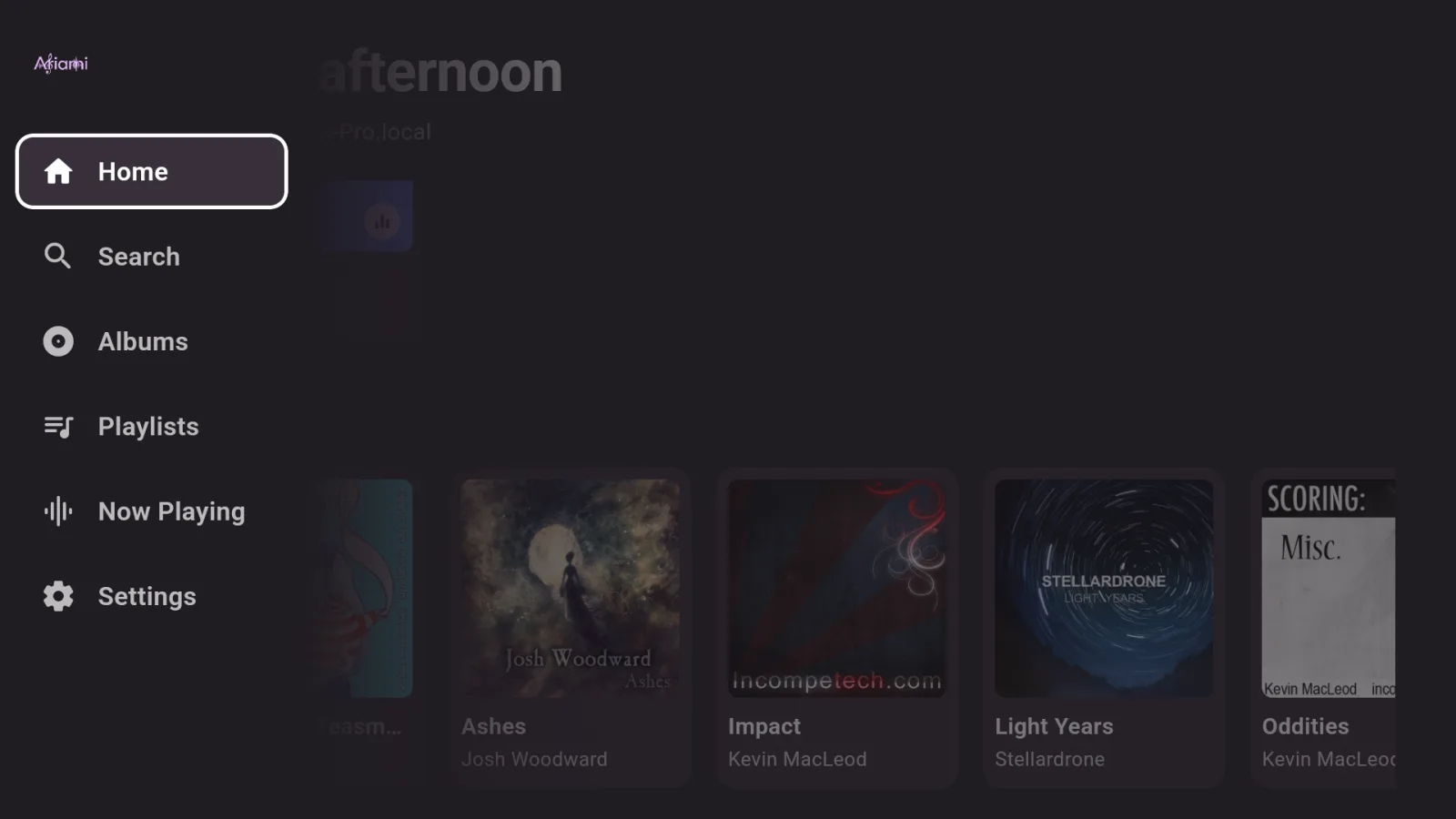
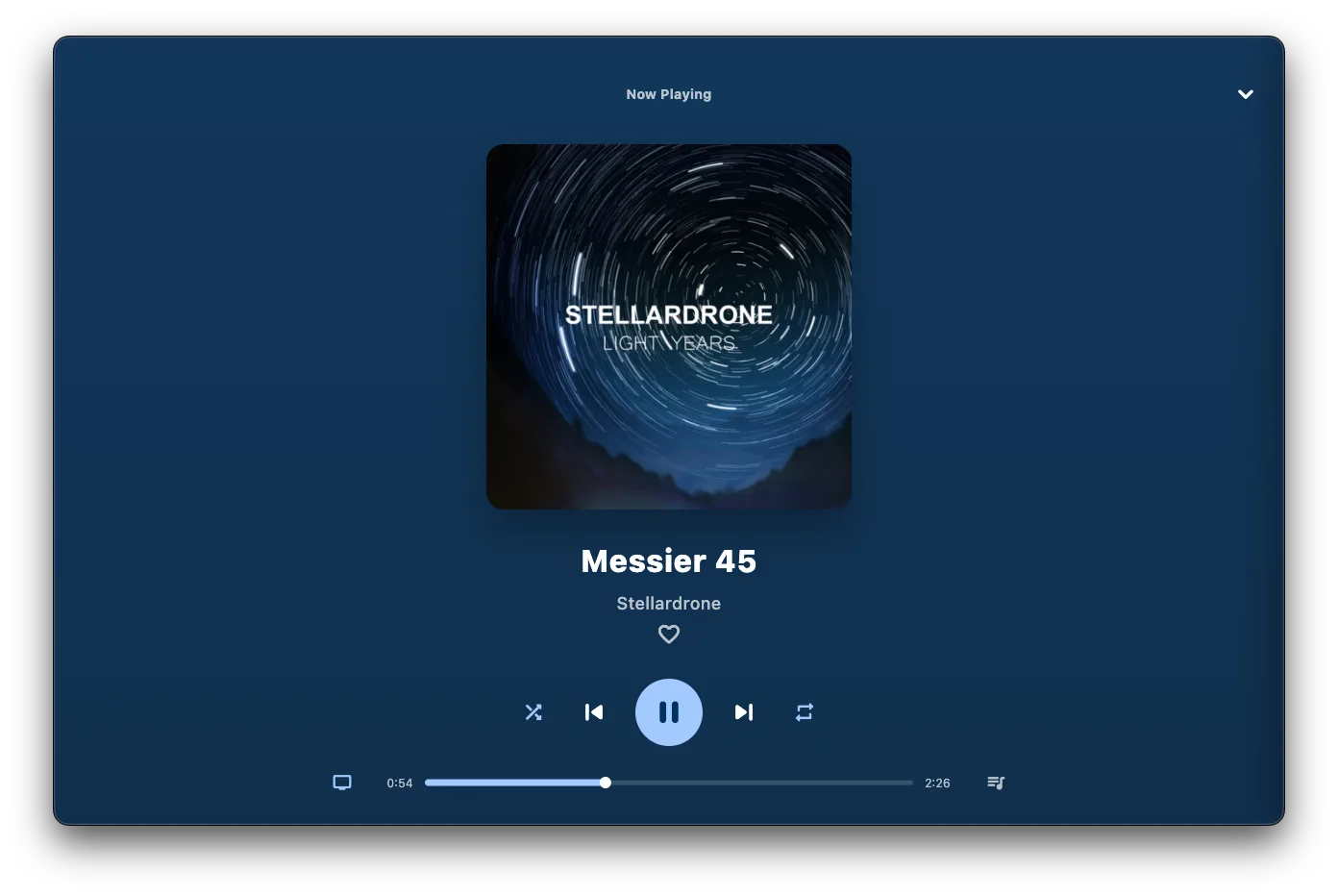
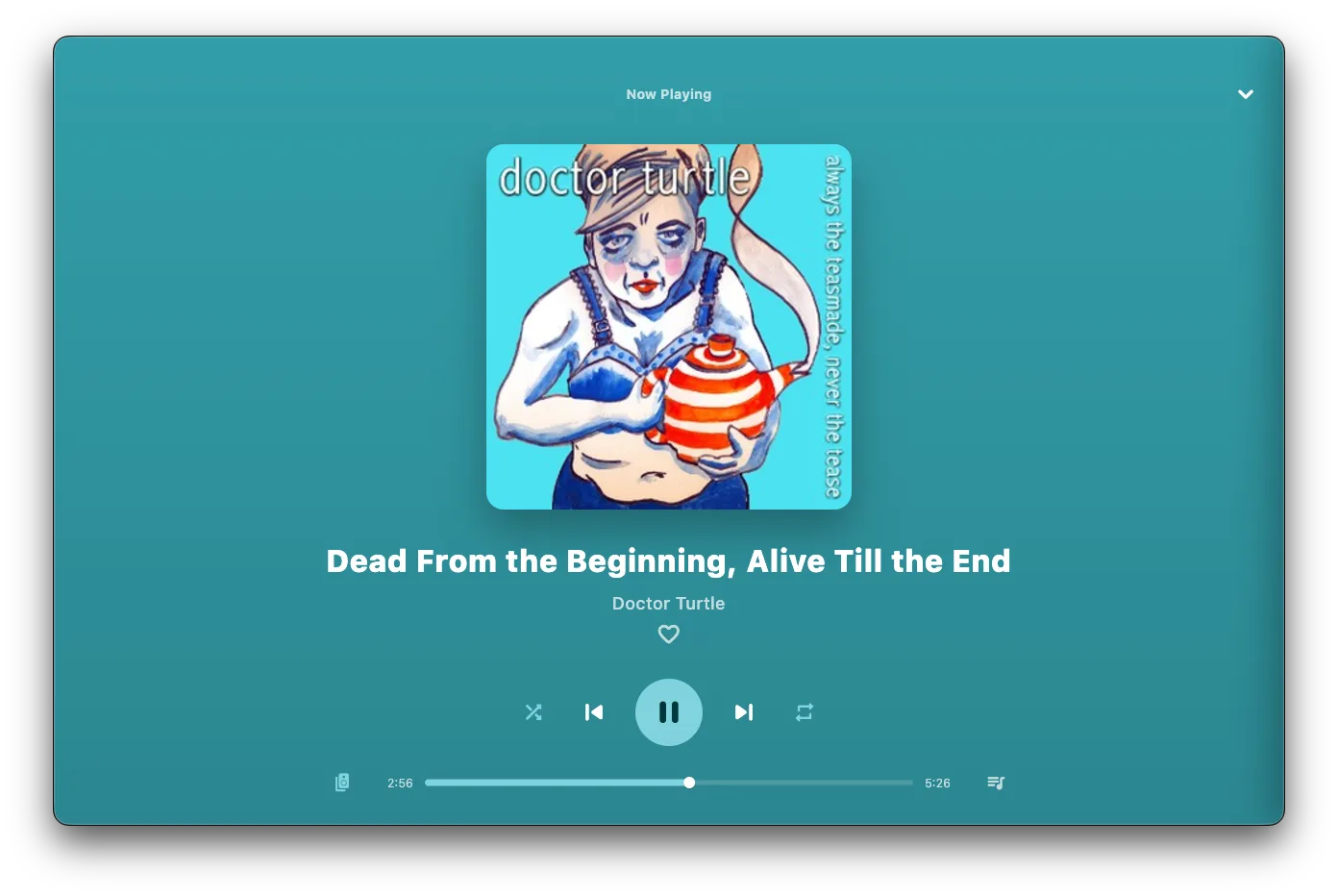
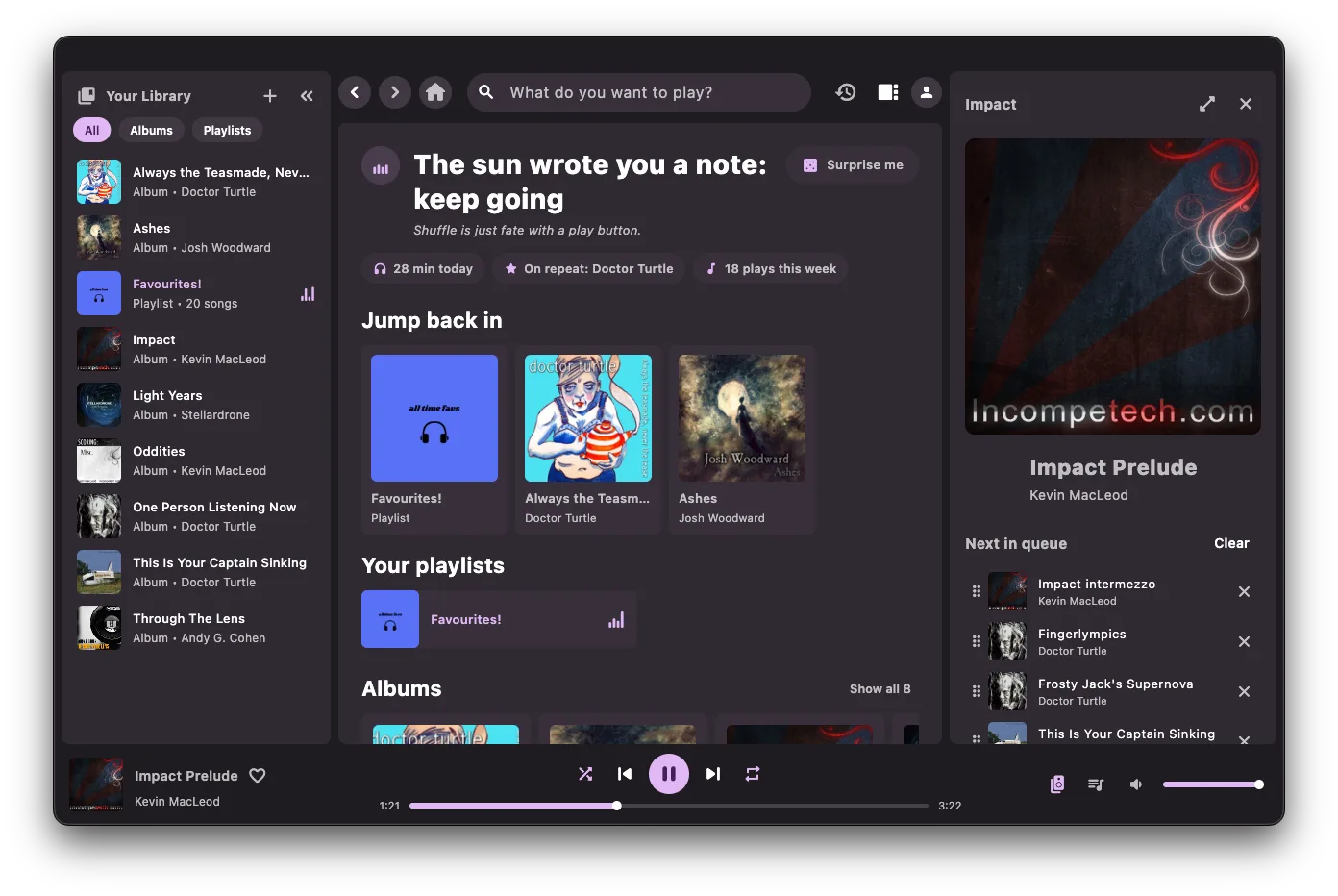
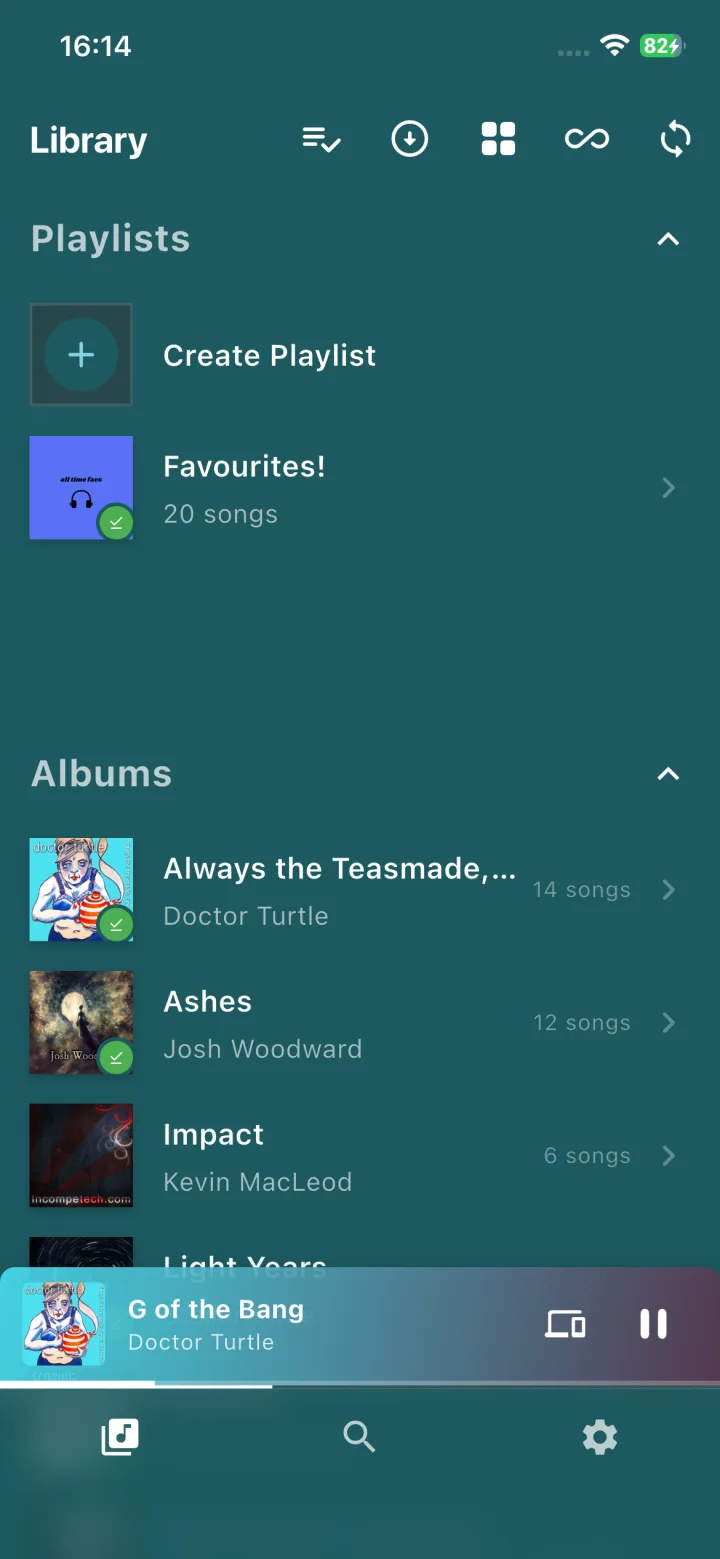
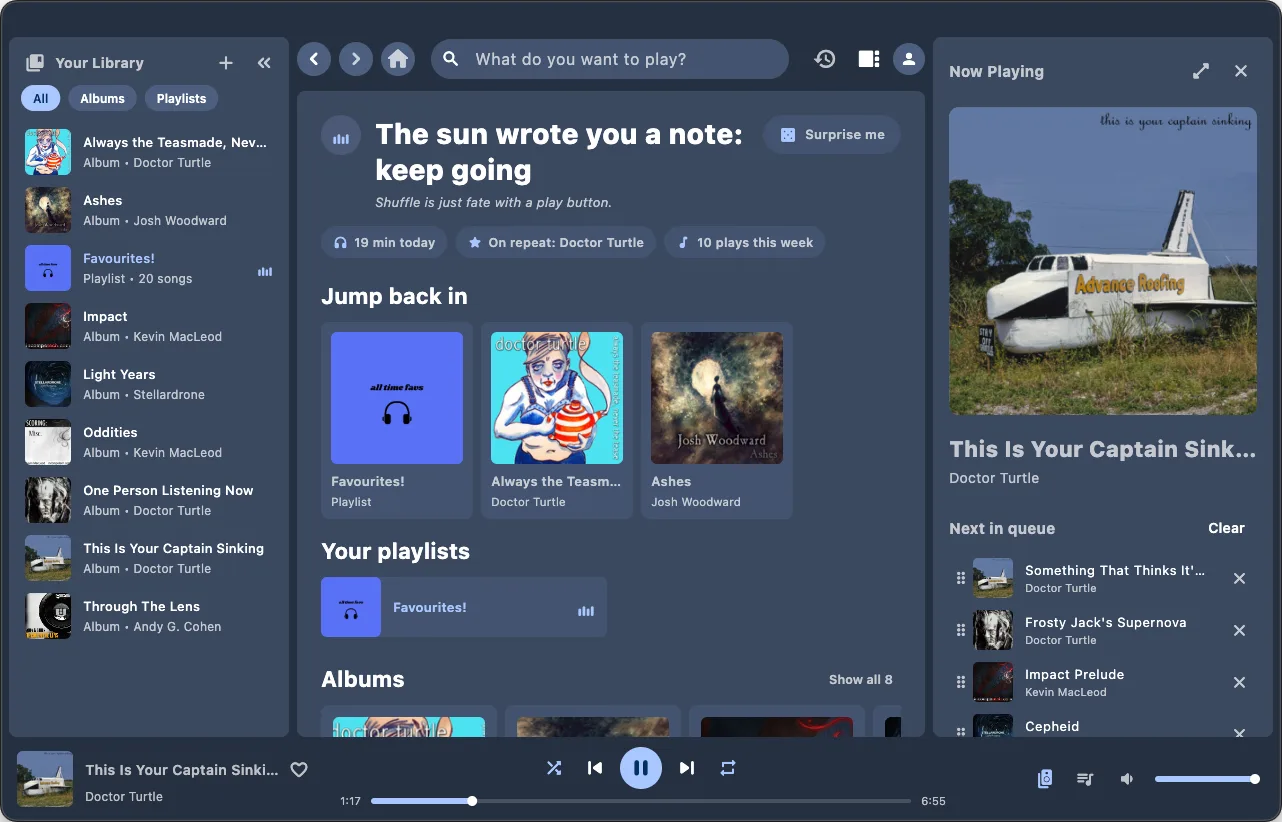
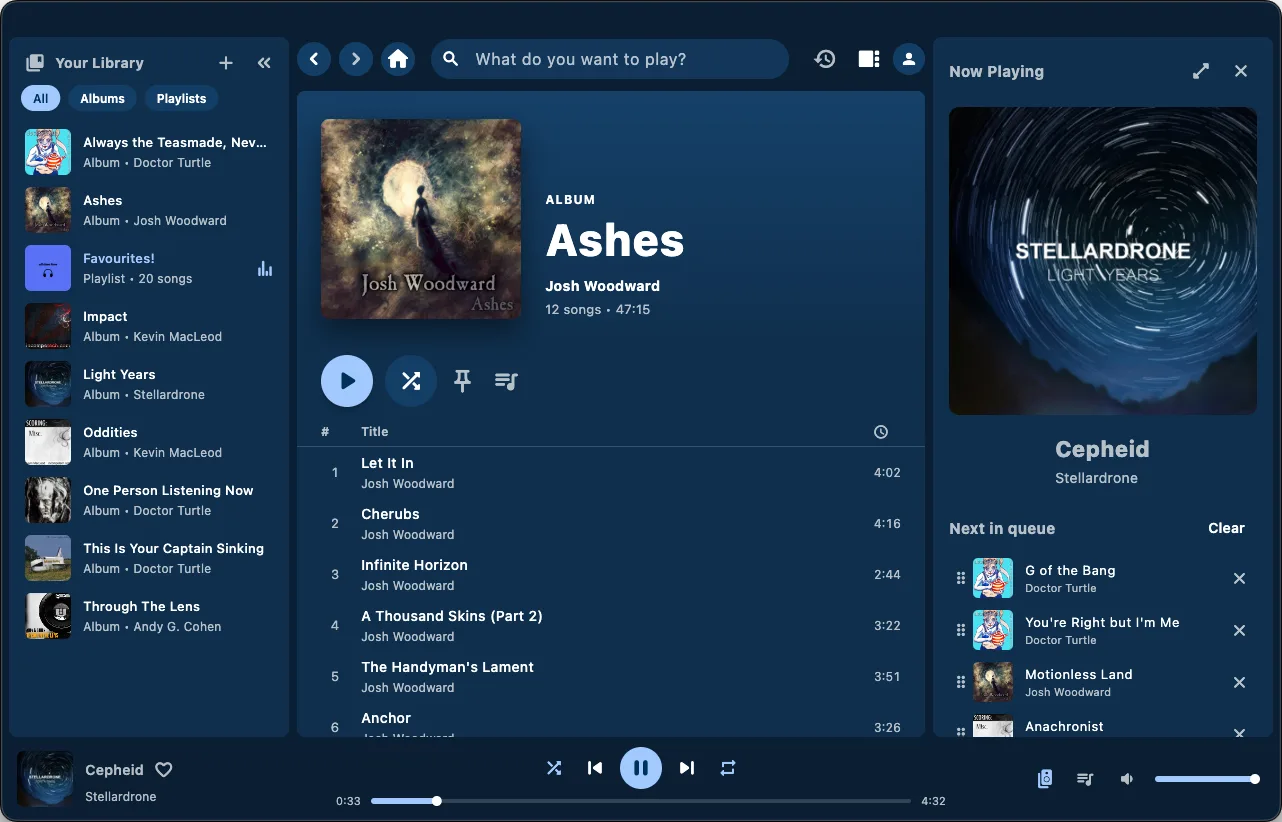
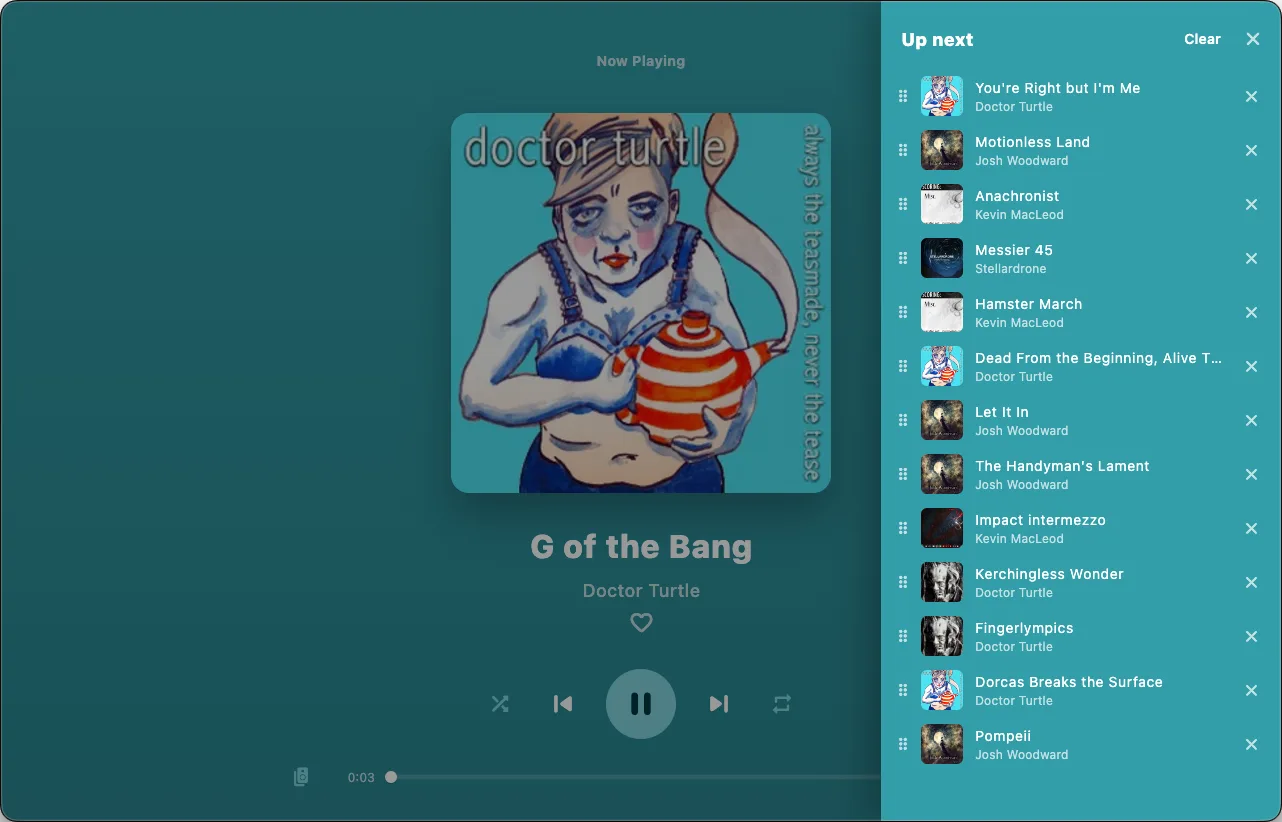
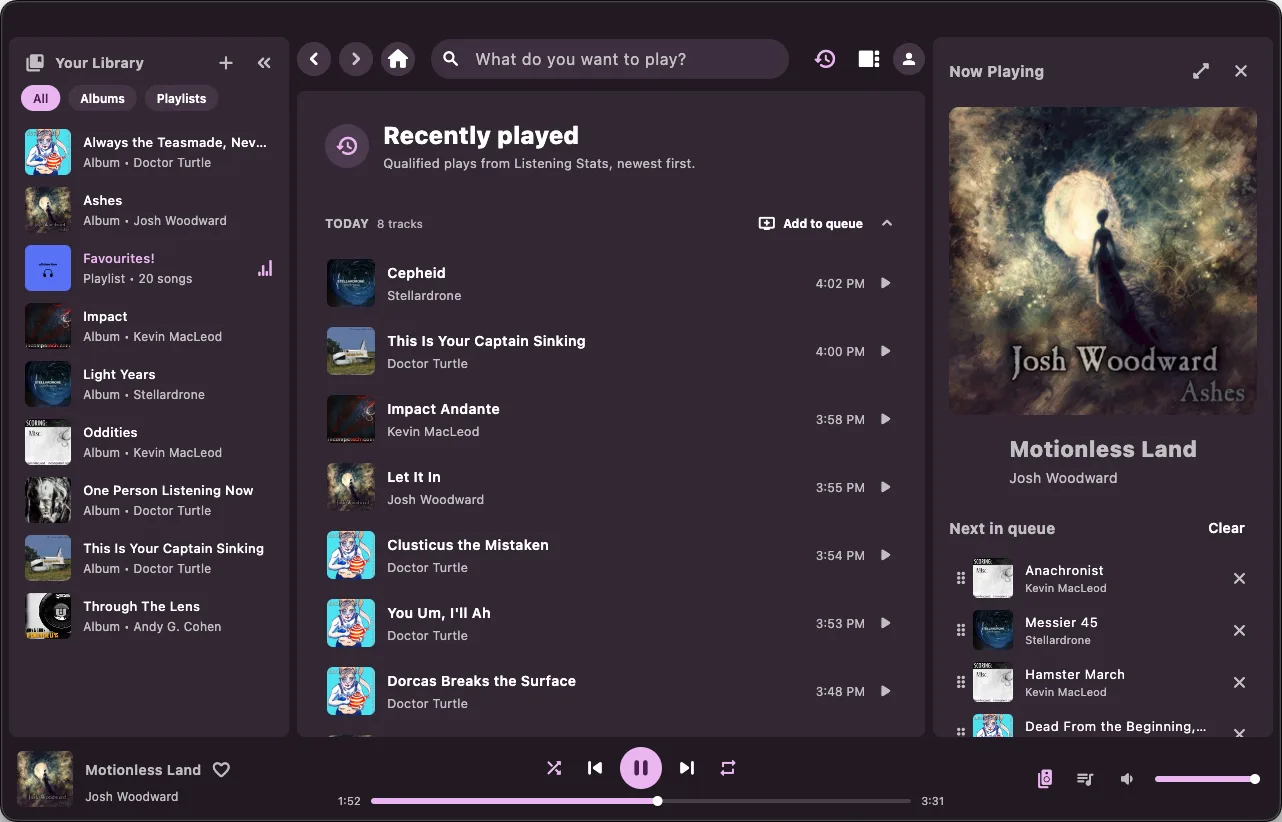
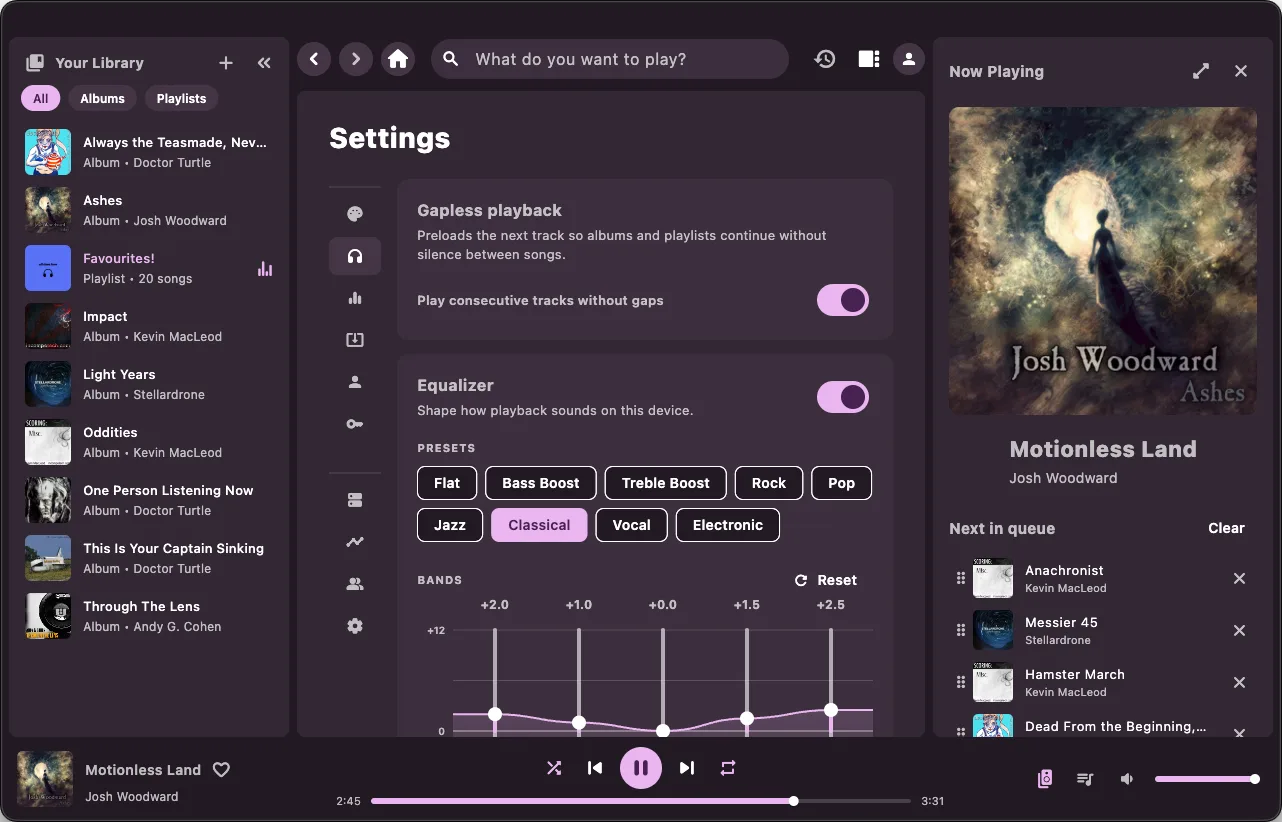
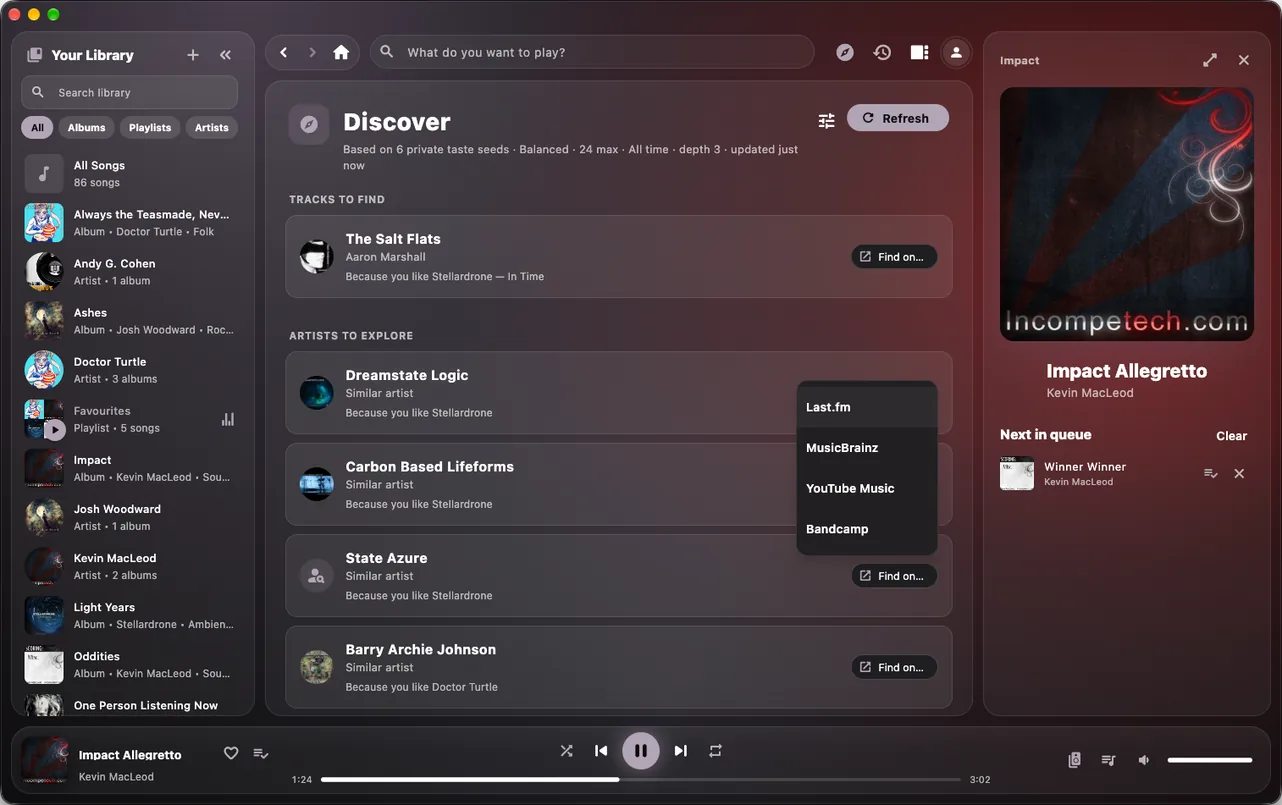
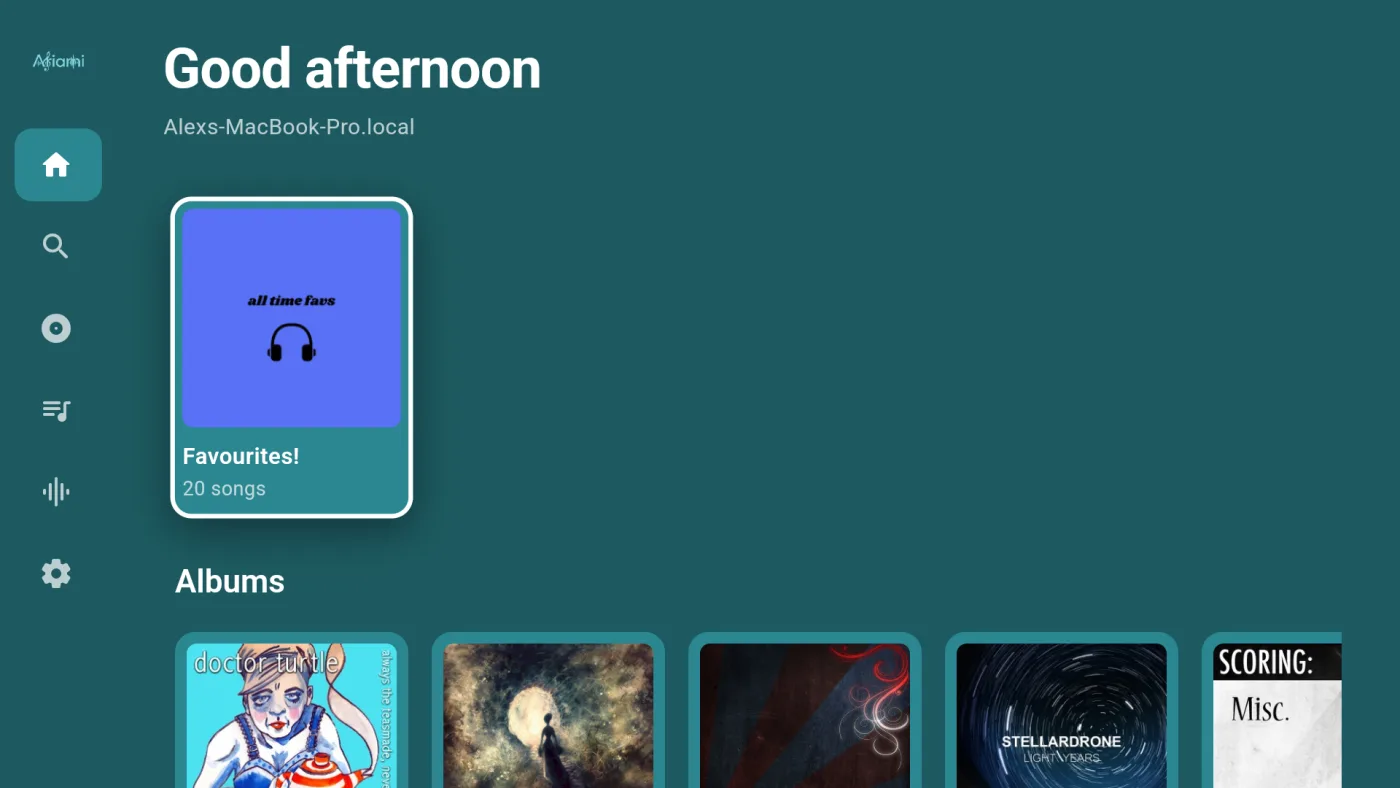
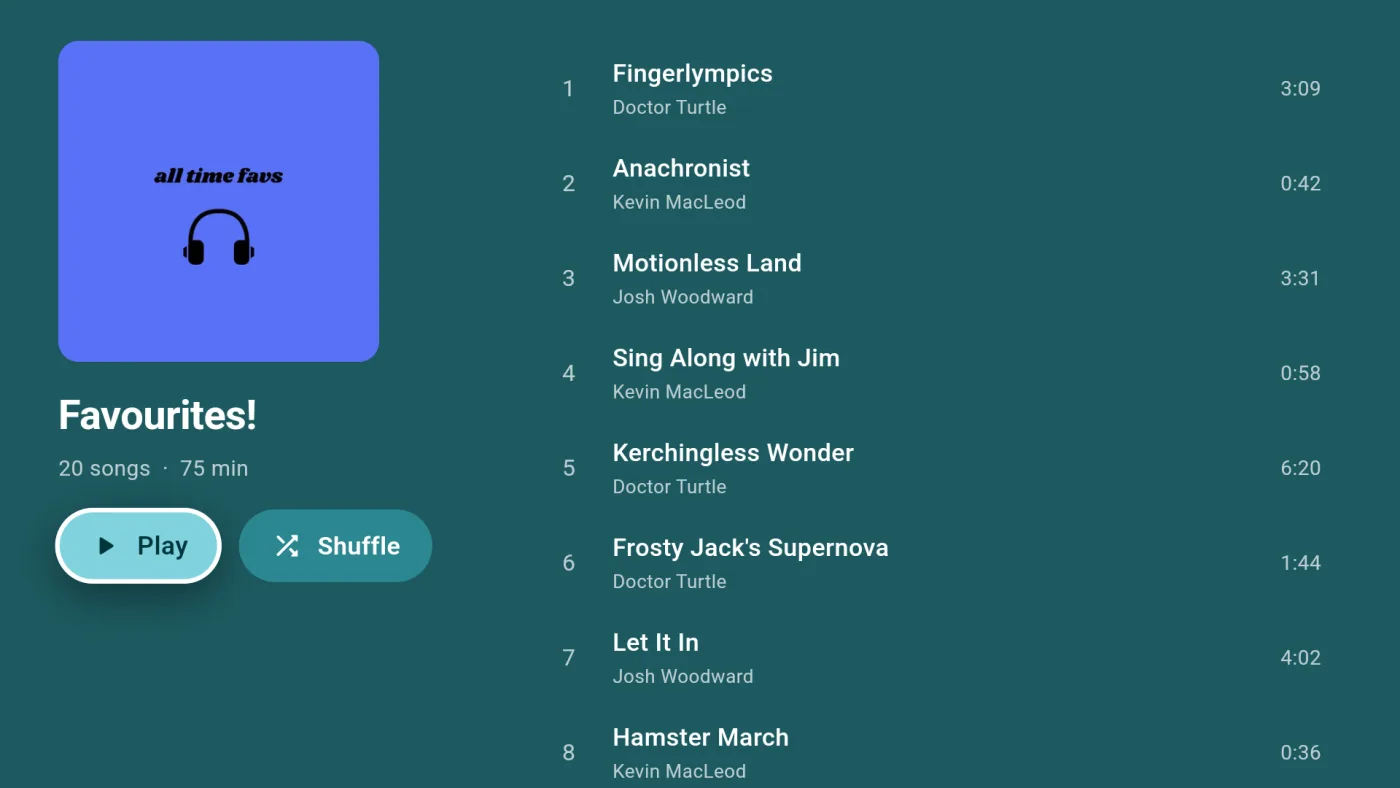
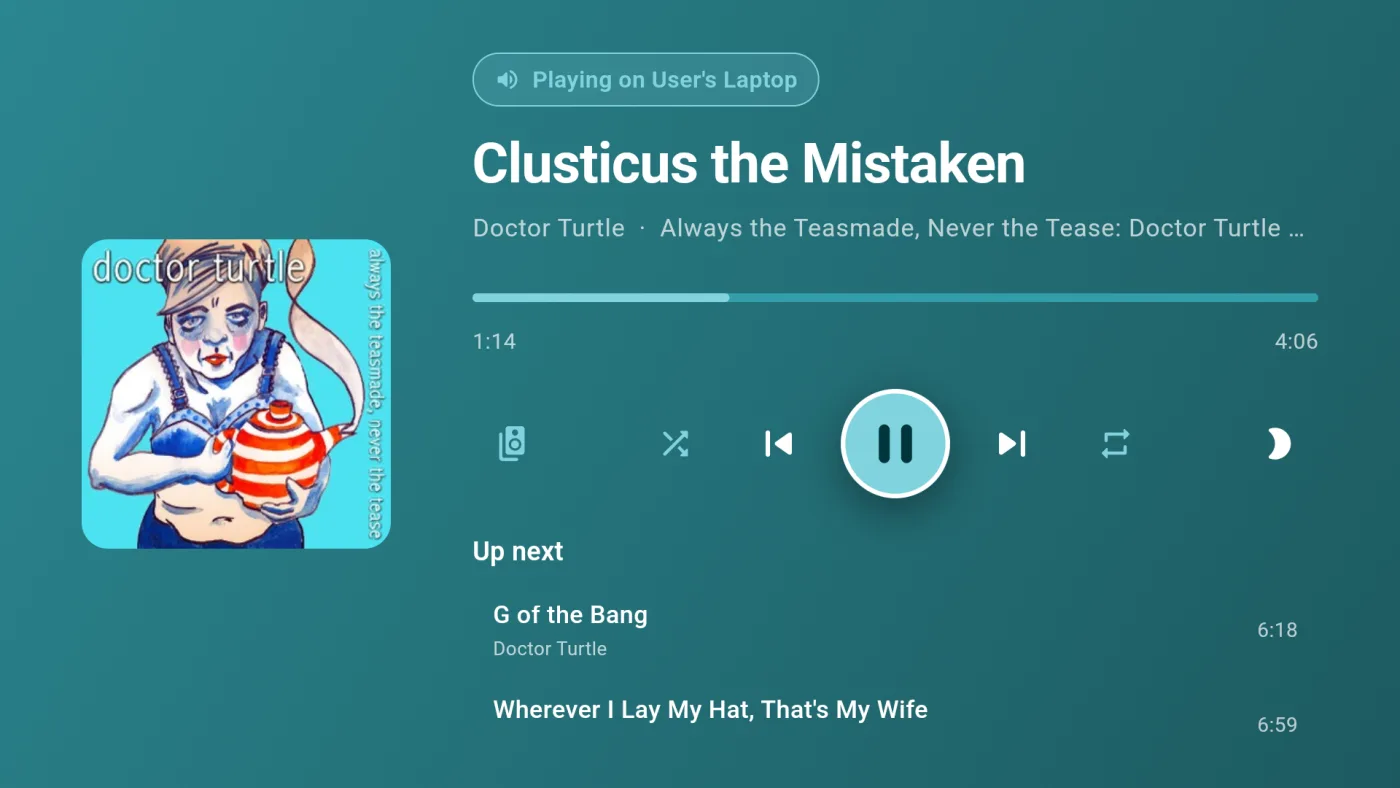
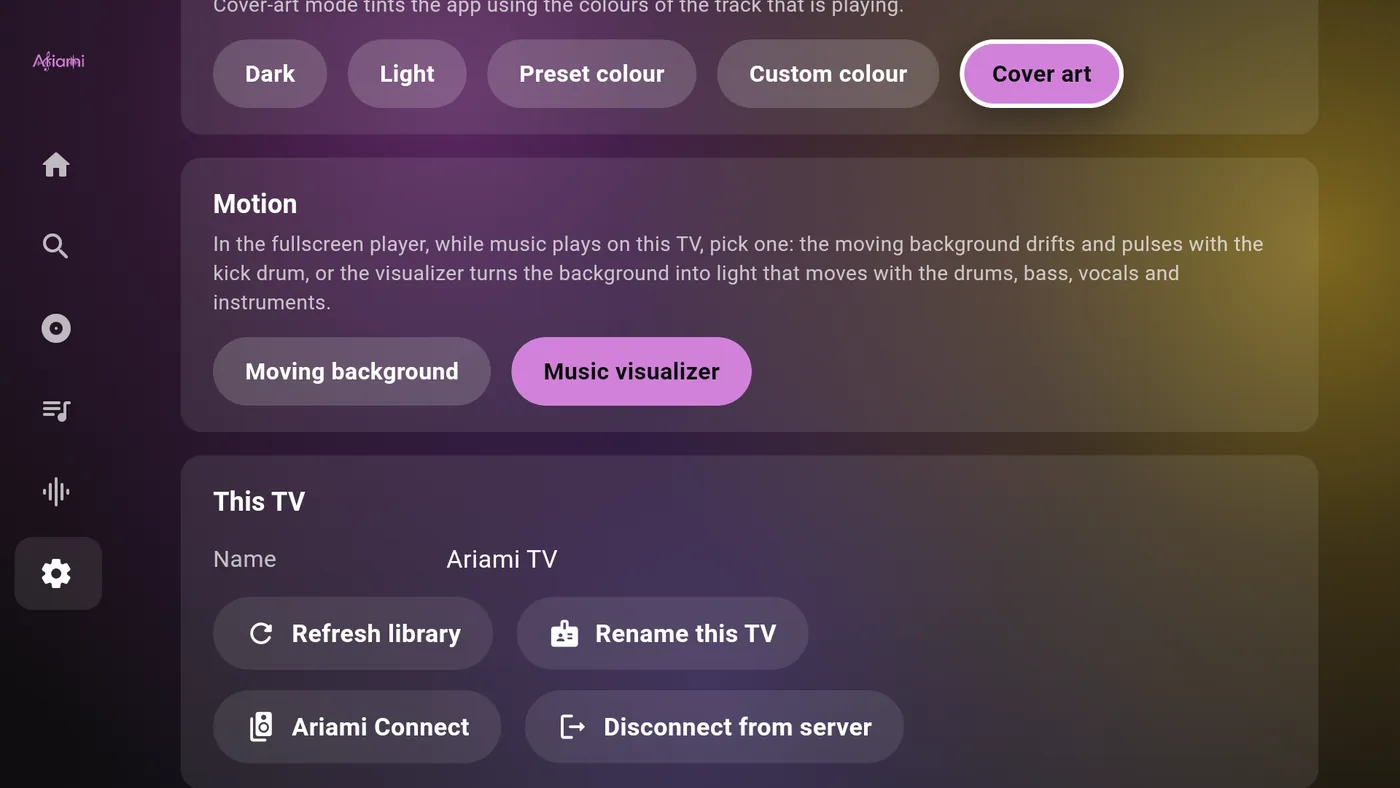
Here's what that looks like in action. Same library on three screens, each one styled to match whatever is playing.

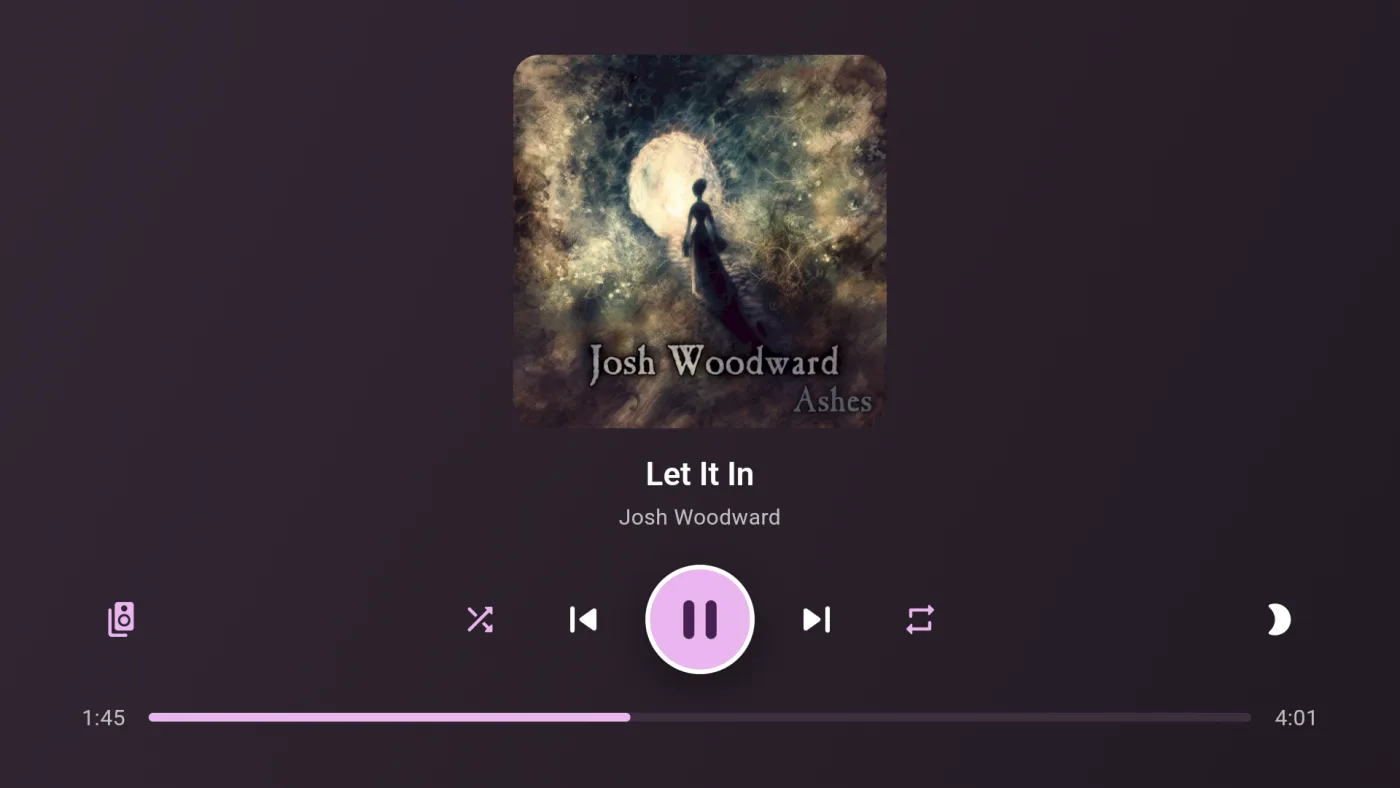
Ariami on Android TV
Ariami desktop app on macOS
Ariami mobile app

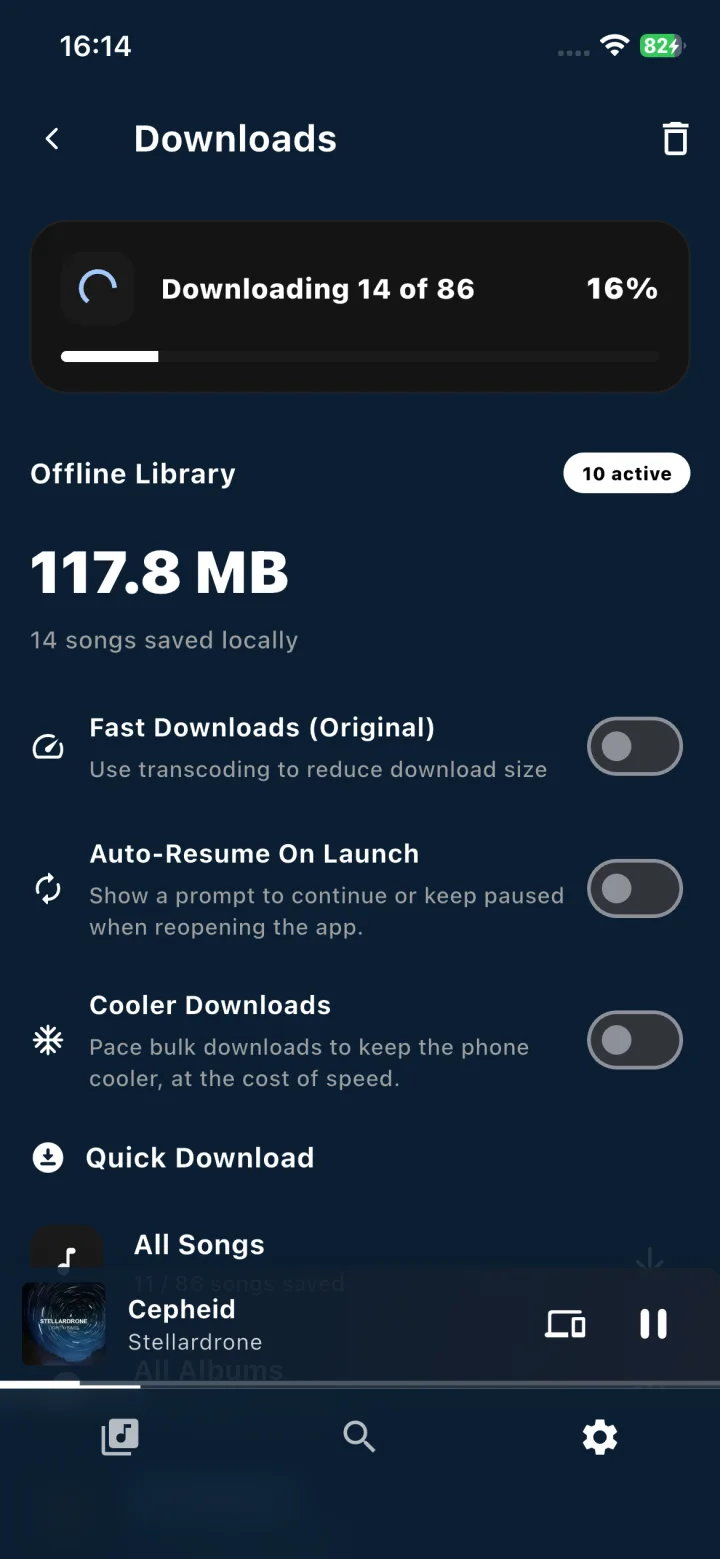
Works offline
How it works

Up and running in three quick steps

Everything runs on your own hardware, and your files stay on your computer where they belong.

01
Install

Point it at your music

Install Ariami on your desktop, or run the headless server on a Raspberry Pi. Pick your music folder and it indexes everything automatically.

02
Pair

Scan a QR code

Open the app on your phone and scan the pairing code on your server screen. Your devices find each other right away without fiddling with IP addresses.

03
Play

Start listening

Stream your library to your phone, TV, or stereo in full original quality. When you're away from home, Tailscale connects you back seamlessly.

Your music library
Features

All the features you want,
hosted on your own gear

Built for everyday listening, with none of the usual streaming service compromises.

Full-quality streaming

Your files stream bit-for-bit in their original quality. If your mobile signal dips while you're out, Ariami transcodes on the fly so playback stays smooth.

Offline downloads

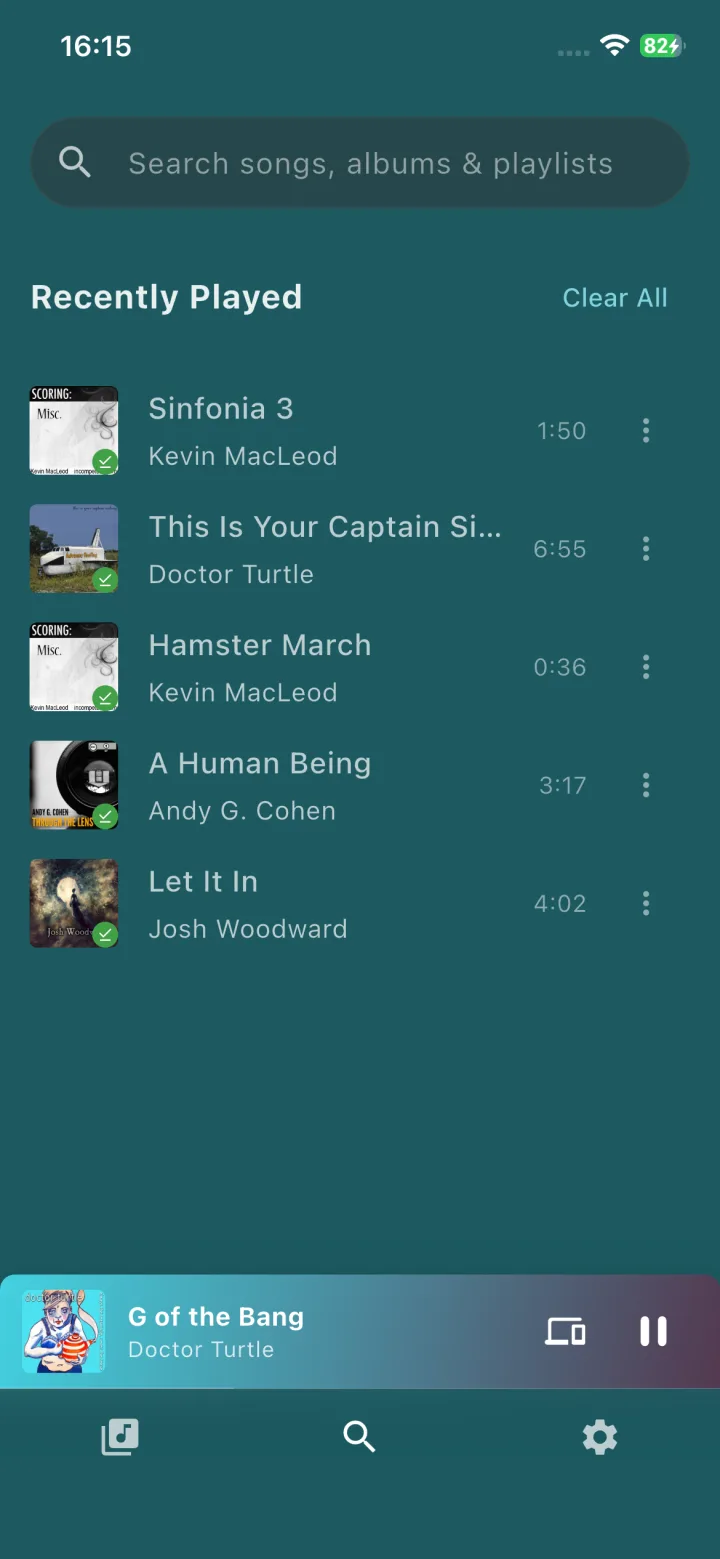
Save albums and playlists straight to your phone for the commute or when you're off the grid. Offline mode works completely standalone without pinging your home server.

Made for households

Give everyone in the house their own account with separate favorites and listening history. They can join simply by scanning a QR code from the server dashboard.

Runs on almost anything

A Raspberry Pi 4 can easily handle multiple listeners at once. The server uses minimal RAM, comes with a clean web dashboard, and keeps your catalog intact even if a drive disconnects.

Private by default

Zero telemetry, zero tracking, and no external servers listening in. What you play stays entirely between your own devices.

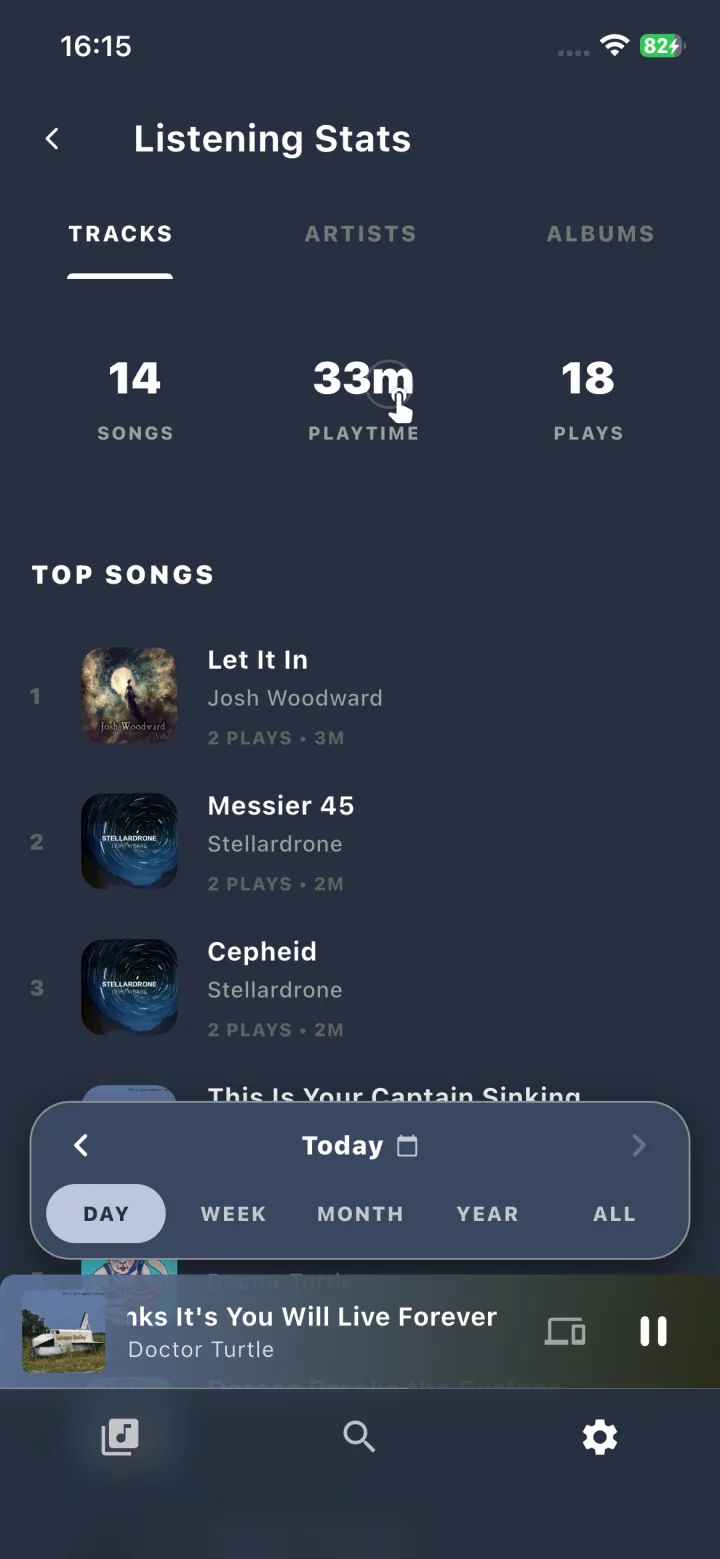
Your stats & Spotify import

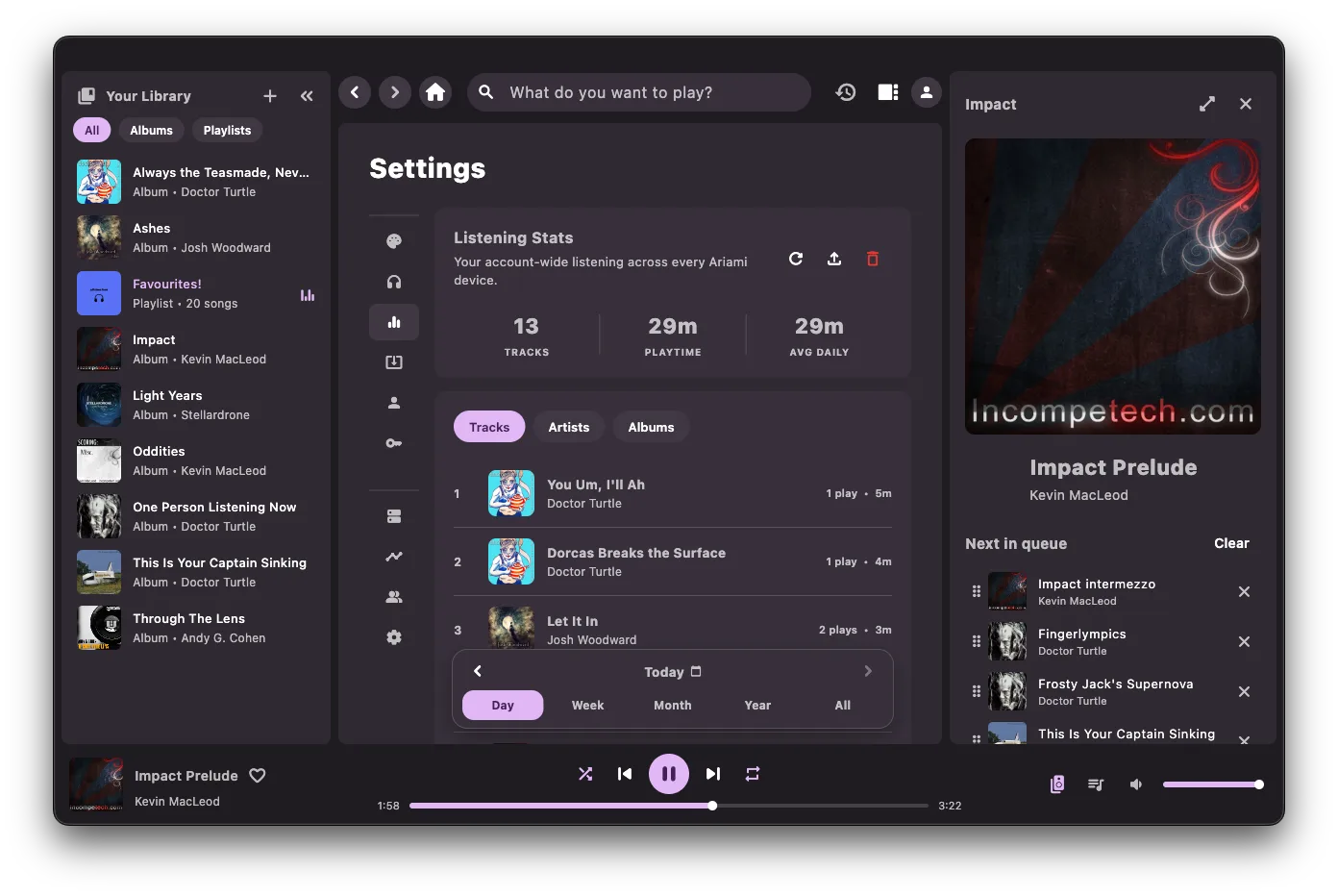
Track your top artists and play history right on your server. You can also import your Spotify streaming history, so you don't have to start your stats from scratch.

Loves a Raspberry Pi
Platforms

Apps for all your devices.

Dedicated apps built specifically for each screen, backed by a lightweight home server.

Mobile & Tablets

Available for iPhone, Android, and tablets. Save albums for offline listening, cast to speakers, and control playback from the lock screen.

Desktop

Runs on Mac, Windows, and Linux. Operates as both your home server and your daily music player, with gapless playback and Discord status.

TV

Built for Android TV and Fire TV with remote navigation in mind, so you can pick music from the couch without glancing at your phone.

CLI / Pi

A headless server binary you can run on a Raspberry Pi, in Docker, or on your home server with a clean web dashboard.

Open source

Free core, open source code

The server and mobile apps are free and open source on GitHub. You can host them however you want or compile them yourself.

The desktop and TV players have a one-time license fee, which directly funds development and keeps the project going.

  • Zero analytics or tracking: everything stays on your own network
  • Your music collection stays in its original folder structure and formats
  • Complete code available on GitHub
Open source
Free
Free server, CLI, and mobile apps
  • Server & CLI for Linux, macOS, Windows, and Raspberry Pi
  • Mobile apps for iOS and Android
  • Complete source code on GitHub
Download free
this one keeps Ariami alive ↘
Dedicated player apps
Premium
Desktop and TV client licenses
  • Ariami Desktop: integrated server and player for PC/Mac/Linux
  • Ariami TV: tailored leanback app for Android TV and Fire TV
  • Directly supports independent software development
Choose your client
FAQ

Frequently asked questions

Do I need to be a tech wizard to set this up?

Not at all. The desktop app has a simple setup guide where you just choose your music folder, and your phone connects in seconds by scanning a QR code. The command line server is there if you like tinkering with Linux or Docker, but you don't have to touch it.

What kind of computer do I need?

Almost anything you have lying around. A Raspberry Pi 4 easily streams to multiple people at once, and running it on your everyday computer barely touches your CPU. Your music can live on an internal drive, a USB drive, or a NAS.

Can I bring my listening history over from Spotify?

Yes! You can import your Spotify Extended Streaming History file through the desktop app or web dashboard. All your past plays and top artists carry right over into your stats.

Can I listen when I'm away from home?

Yep. Ariami pairs nicely with Tailscale or any home VPN, so your phone can reach your server wherever you are without messing with router port forwarding. And if you know you won't have signal, you can download music ahead of time.

What music formats work?

Pretty much whatever you've got: FLAC, MP3, AAC, ALAC, Ogg, and WAV. Files stream at full quality at home, and the server can step down the bitrate on the fly if mobile data is struggling.

How is Ariami Connect different from Spotify Connect?

It works just like Spotify Connect: you can control playback from any screen and seamlessly hand off music between devices. The big difference is that your own server is in charge, so your audio and listening habits aren't routed through a corporate cloud.

What does it cost?

The server, CLI, and mobile apps are free and open source. The desktop and TV player apps are one-off purchases that help support indie development. Once you buy a license, it's yours to keep.

Listen anywhere
Ariami

Your music never needed
a middleman.

Download Ariami, choose your music folder, and start listening on your own terms.

Download Ariami Buy a license

The server and phone apps are free to keep. If you'd like the desktop or TV player, you can try them out and grab a license whenever you're ready.